Guide · Aug 09, 2026
Does Dark Mode Really Save Battery?
Does dark mode really save battery? Science shows dark mode saves significant battery power on OLED screens—up to 47% at high brightness—while having zero effect on LCD displays.
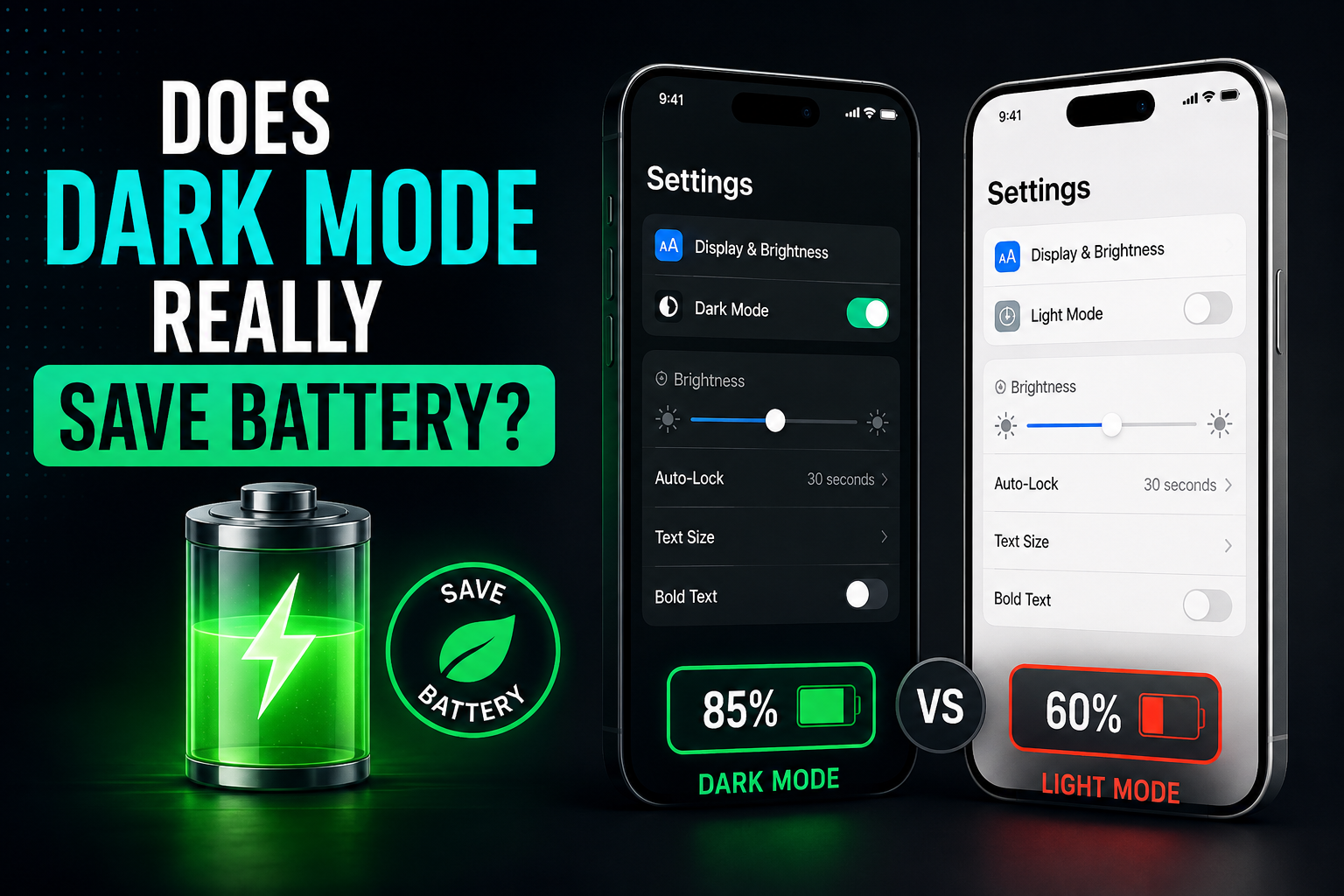
Dark mode has transitioned from a niche developer feature to a standard offering across smartphone operating systems, desktop software, and mobile apps. Beyond its sleek aesthetic appeal and reduced glare, one of the most widely cited benefits of switching to a dark interface is power efficiency. But does dark mode really save battery life, or is it mostly a digital myth? The short answer is yes—but with several major caveats. The extent to which dark mode conserves power depends overwhelmingly on your device's screen technology, display brightness, and how dark the user interface actually is.
The Short Answer: Does Dark Mode Really Save Battery?
Whether switching to a dark theme yields noticeable power savings boils down to how your screen illuminates pixels. Modern smartphones and laptops primarily use one of two display technologies: OLED (including AMOLED) or LCD. Understanding this distinction is essential to answering whether dark themes actually extend your runtime.
The Core Factor: Display Technology Matters
If your device features an OLED or AMOLED display, dark mode absolutely saves battery. This is because OLED screens emit light on a pixel-by-pixel basis. When displaying true black, those individual pixels completely shut off, consuming zero power. Conversely, if your device uses a traditional LCD screen, dark mode will not save any battery life whatsoever, because the full backlight remains powered regardless of the color shown on screen.
Brightness Levels Play a Crucial Role
Even on energy-efficient OLED displays, energy savings vary based on screen brightness. At lower brightness levels (around 30% to 50%), switching from light mode to dark mode yields modest battery savings. However, when screen brightness is cranked up to 100%—such as outdoors under direct sunlight—the power savings delivered by dark mode increase significantly.
How Display Tech Determines Dark Mode Power Consumption
To comprehend why does dark mode save battery power on some devices but not others, it helps to examine the physical mechanisms behind modern screens.
OLED and AMOLED Displays: Individual Pixel Control
Organic Light-Emitting Diode (OLED) technology functions without a unified backlighting panel. Each pixel produces its own illumination. When an app requests a white background, all sub-pixels light up, reaching maximum power draw. When an app requests a black background (hex code #000000), the device simply cuts power to those specific pixels. As a result, less electricity is drawn from the lithium-ion battery.
LCD Screens: Why Dark Mode Won't Save Power Here
Liquid Crystal Displays (LCDs), which are common in budget smartphones, older iPads, and standard desktop monitors, rely on a continuous LED backlight located behind a matrix of liquid crystals. To show black, the liquid crystals twist to block the backlight from shining through, but the LED backlight behind them stays fully illuminated. Consequently, an LCD draws roughly the same amount of power whether displaying a bright white document or a completely black image.
What Science and Real-World Tests Reveal
Independent scientific studies have rigorously tested screen power consumption to determine how much battery dark mode actually saves during everyday smartphone usage.
Purdue University Study Insights
A landmark 2021 study conducted by researchers at Purdue University evaluated the impact of dark mode across several popular apps (including Google Maps, YouTube, and Google Calculator) on OLED-equipped iPhones and Android devices. The researchers discovered:
- At 100% display brightness, switching from light mode to dark mode saved an impressive 39% to 47% of screen energy.
- At 30% to 50% display brightness, dark mode saved only 3% to 9% of screen power.
This demonstrates that while energy savings exist across all brightness levels, they become dramatically more impactful when your screen is operating at higher brightness levels.
Real-World Apps vs. Lab Benchmarks
In real-world testing, overall battery life gains depend heavily on app design. Applications with high static white backgrounds (like web browsers or messaging apps) see substantial battery life improvements in dark mode. However, media-heavy apps (like Instagram or video streaming platforms displaying colorful photos and videos) show smaller gains because dark UI borders account for only a fraction of total pixel illumination.
How Much Battery Does Dark Mode Really Save Daily?
When measuring actual day-to-day usability, power efficiency translates into extra minutes—or hours—of screen-on time depending on your usage habits.
Average Daily Energy Savings Expectations
For an average user with an OLED smartphone who keeps screen brightness set to automatic indoors, enabling system-wide dark mode typically yields an extra 30 to 45 minutes of screen time over a full battery charge. For heavy smartphone users spending extended hours outdoors at high brightness, dark mode can extend battery longevity by up to 1 to 2 full hours per day.
True Black (#000000) vs. Dark Gray UI Elements
Not all dark modes are created equal. Many app interfaces, including Google's Material Design and software like Slack or Twitter, utilize dark gray (e.g., #121212) rather than true pitch black. While dark gray still reduces power draw compared to blinding white backgrounds, true black (#000000) completely shuts off OLED pixels, yielding maximum power efficiency.
Additional Benefits of Using Dark Mode Beyond Battery Life
While battery longevity is a primary driver for many users, enabling dark themes offers complementary health and aesthetic benefits worth considering.
Reduced Digital Eye Strain in Low-Light Environments
Using bright white interfaces in dark rooms forces your pupils to constrict, contributing to visual fatigue, dry eyes, and headaches. Dark mode reduces harsh contrast in low-light environments, making nighttime reading far more comfortable for long periods.
Lower Blue Light Exposure Before Bed
High brightness and bright white screens emit higher levels of blue light, which can suppress melatonin production and disrupt sleep cycles. Dark themes lower overall light output, helping reduce late-night blue light exposure when browsing in bed.
Practical Tips: Maximizing Battery Savings with Dark Mode
If your primary goal is maximizing screen energy efficiency, combining dark mode with proactive battery settings yields the best result.
Combine Dark Themes with OLED-Friendly Wallpapers
Your home screen and lock screen consume significant power over the course of a day. Choose minimal, pure black wallpapers rather than bright landscapes to keep your display pixels turned off whenever you unlock your device.
Enable Auto-Brightness and System-Wide Toggles
To optimize power consumption, set your operating system (iOS or Android) to enable dark mode system-wide rather than relying on per-app settings. Couple this with dynamic auto-brightness to keep pixel voltage at optimal baseline levels.
Frequently Asked Questions
Does dark mode save battery on LCD screens?
No. LCD screens use a single continuous backlight behind the entire display panel. Whether displaying white or pure black, the backlight remains fully illuminated, meaning dark mode offers zero battery savings on LCD displays.
Does dark mode really save battery on iPhones?
Yes, but only on iPhone models with OLED displays (iPhone X, iPhone XS/XS Max, iPhone 11 Pro series, and all models from the iPhone 12 series onward). Older models like the iPhone 8, iPhone SE, or base iPhone 11 use LCD screens, where dark mode does not save battery.
Is true black better than dark gray for saving battery?
Yes. True black (#000000) completely powers off individual OLED pixels, consuming 0% power for those areas. Dark gray UI elements keep pixels powered on at a low voltage, saving energy compared to white, but slightly less than true black.
Does dark mode save battery at low screen brightness?
Dark mode saves battery at lower brightness levels, but the impact is minimal (around 3% to 9% energy savings). The power-saving benefits of dark mode become much more significant at high brightness levels (up to 47% energy savings).
Does dark mode save battery on laptops?
Dark mode saves battery on laptops equipped with OLED panels (increasingly common on modern premium ultrabooks). However, most standard laptops use LCD panels, where dark mode improves visual comfort but does not affect battery life.
Should I leave dark mode on all the time?
Leaving dark mode on continuously maximizes battery efficiency on OLED screens and reduces visual fatigue in dim lighting. However, during bright daylight, light mode can sometimes offer better legibility and reading speed.
Conclusion
So, does dark mode really save battery? The empirical evidence shows that on modern smartphones and laptops equipped with OLED displays, dark mode is a genuine battery-saver, capable of reducing screen energy consumption by up to 47% at high brightness. However, if your device relies on traditional LCD display hardware, dark mode offers visual comfort without extending battery runtime. To get the most out of dark mode, enable system-wide true black themes, pair them with dark wallpapers, and let your OLED screen shut down unused pixels for maximum daily efficiency.
Related Reading
- OLED display technology — Difference between OLED, AMOLED, and LCD display technologies
- smartphone battery health tips — How to optimize smartphone battery health and extend overall lifespan
- reduce digital eye strain — Proven strategies to reduce digital eye strain and screen fatigue
- best power-saving settings — Top Android and iOS settings to maximize daily battery life