Guide · Aug 10, 2026
How Does Bluetooth Actually Work?
Discover the fascinating science behind Bluetooth wireless technology, from 2.4 GHz radio waves and frequency hopping spread spectrum to Bluetooth Low Energy and secure device pairing.
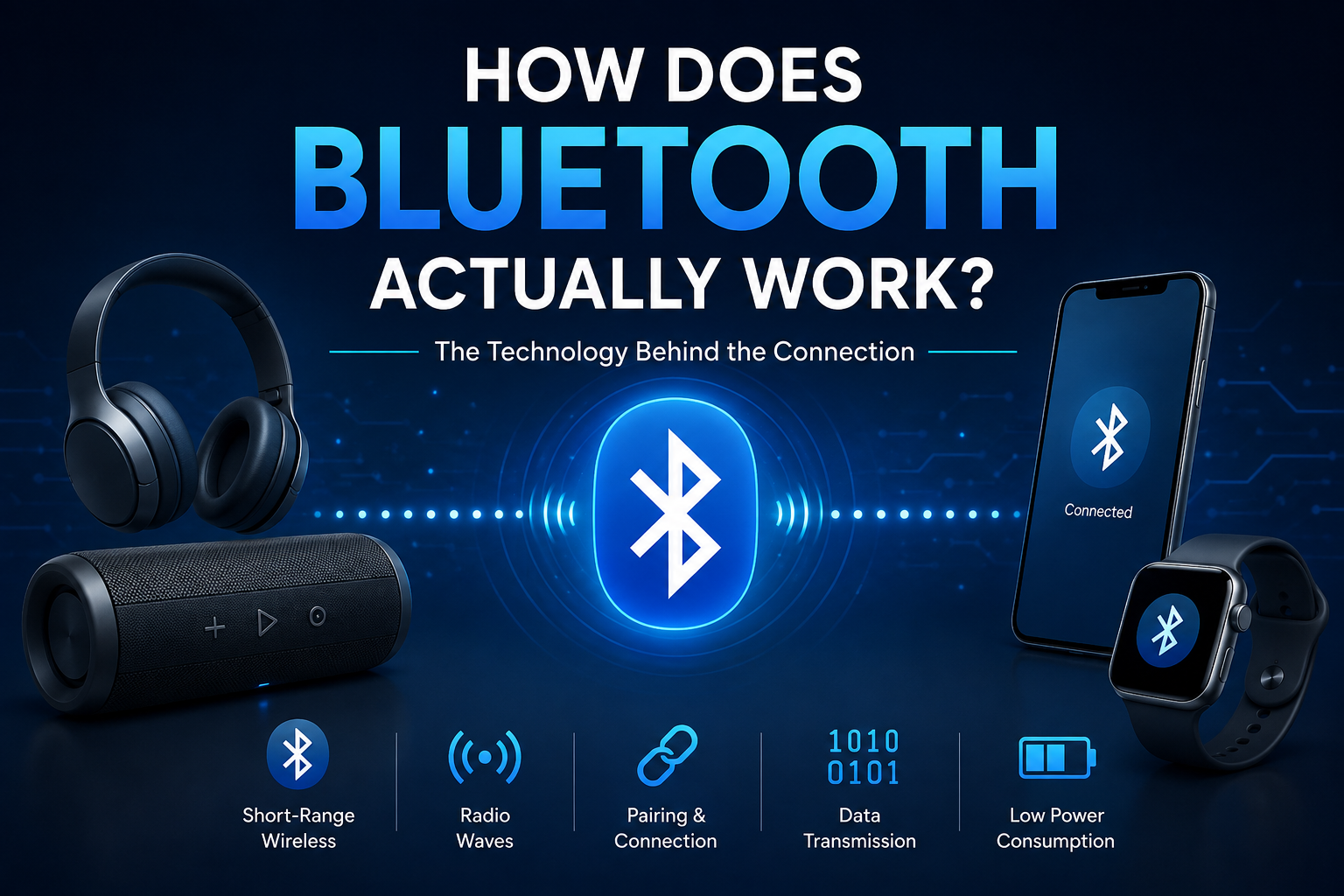
Whether you are streaming music to wireless headphones, tracking steps on a fitness band, or sending files between smartphones, wireless connectivity plays a silent yet essential role in daily modern life. But have you ever paused to ask: how does Bluetooth work behind the scenes? Unlike cellular networks or Wi-Fi, which connect devices across large distances or through local infrastructure, Bluetooth enables seamless, low-power, short-range communication directly between hardware devices.
Understanding the inner mechanics of Bluetooth reveals a remarkably sophisticated system designed to avoid interference, conserve battery, and encrypt personal data seamlessly. In this comprehensive guide, we will break down the radio frequencies, network topologies, pairing mechanics, and low-energy protocols that make Bluetooth one of the world's most successful wireless communication standards.
The Core Mechanics: Radio Waves and Frequencies
At its fundamental level, Bluetooth technology relies on short-wavelength radio transmission to exchange data wirelessly between fixed and mobile devices across short distances. Knowing how does Bluetooth work at the physical level starts with examining the radio spectrum it occupies.
The 2.4 GHz ISM Frequency Band
Bluetooth operates within the Industrial, Scientific, and Medical (ISM) radio band, specifically between 2.402 GHz and 2.480 GHz. Because this globally license-free band is open to public consumer devices, Bluetooth shares space with baby monitors, garage door openers, microwave ovens, and Wi-Fi routers. To transmit binary data (1s and 0s), Bluetooth hardware converts digital data into high-frequency radio pulses emitted via an internal antenna.
Power Classes and Operational Range
The effective distance of a Bluetooth connection is governed by the radio's power class output level:
- Class 1: Transmits at up to 100 mW, reaching distances up to 100 meters (328 feet). Commonly found in industrial equipment and heavy-duty audio gear.
- Class 2: Transmits at 2.5 mW, providing a typical range of about 10 meters (33 feet). This is the standard power class used in smartphones, laptops, and consumer audio peripherals.
- Class 3: Transmits at 1 mW, operating up to 1 meter (3 feet), designed specifically for extremely ultra-low-power applications.
Frequency Hopping: How Bluetooth Avoids Interference
Because the 2.4 GHz ISM frequency band is notoriously congested, unmanaged signals would constantly collide and degrade connection quality. Bluetooth solves this challenge using an ingenious communication technique called Frequency Hopping Spread Spectrum (FHSS).
Mechanics of Frequency Hopping Spread Spectrum (FHSS)
Instead of transmitting on a single static frequency channel, Bluetooth splits the 2.4 GHz spectrum into 79 individual channels (each 1 MHz wide) for Classic Bluetooth, or 40 channels (each 2 MHz wide) for Bluetooth Low Energy. Connected devices automatically change channels up to 1,600 times per second in a pseudo-random sequence known only to the connected pair.
Adaptive Frequency Hopping (AFH)
Modern Bluetooth standards employ Adaptive Frequency Hopping (AFH). AFH allows connected devices to actively monitor the radio environment, identify channels suffering from heavy interference (such as a busy Wi-Fi channel), and dynamic mark those congested frequencies off-limits. The system skips bad channels automatically, ensuring stable audio and fast data transmission without dropping connection packets.
Piconets and Scatternets: How Bluetooth Devices Connect
To manage how data moves between devices, Bluetooth relies on localized ad-hoc network structures rather than relying on central routers or cell towers.
Master and Slave Roles in a Piconet
When Bluetooth devices establish a connection, they form a micro-network called a Piconet. In every piconet, one device assumes the role of the Master, while up to seven active primary devices act as Slaves:
- Master Device: Controls the timing clock, determines the frequency-hopping sequence, and dictates when slave devices can transmit data. (Example: A smartphone).
- Slave Device: Synchronizes its internal clock to the master and responds only when addressed by the master. (Example: Wireless earbuds, smartwatches, or heart-rate monitors).
Expanding to Scatternets
When multiple piconets overlap in proximity, they can interconnect to form a larger network infrastructure called a Scatternet. A single device can function as a slave in one piconet while acting as a master in an adjacent piconet, allowing data to hop across independent local networks without cross-talk or timing confusion.
The Step-by-Step Bluetooth Pairing Process
Connecting two new Bluetooth devices together requires a clear initialization sequence designed to build a trusted, encrypted link. Here is how Bluetooth pairing works behind the scenes step-by-step.
Inquiry and Discovery Phase
When you set a peripheral into pairing mode, it continuously broadcasts radio inquiry messages containing its unique MAC address and device name. Your primary device (like your phone) scans for these broad broadcasts to display a list of available nearby devices to select.
Key Exchange and Authentication
Once you select the device to connect, both units generate shared secret security keys through asymmetric cryptographic protocols (such as Elliptic Curve Diffie-Hellman). This process validates identity, generates a permanent key pair stored locally on both chips (called bonding), and ensures future connections occur automatically without repeating user confirmation.
Classic Bluetooth vs. Bluetooth Low Energy (BLE)
As wireless needs evolved beyond simple file sharing and voice headsets, the core Bluetooth architecture split into two distinct protocols: Classic Bluetooth and Bluetooth Low Energy (BLE).
Classic Bluetooth for Continuous Data Streaming
Classic Bluetooth (utilizing Bluetooth 1.0 through 3.0 specs) is engineered for high-throughput, continuous data streams such as high-fidelity wireless audio playback and voice phone calls. Because connection links remain continuously open, power usage is comparatively high, requiring larger rechargeable batteries.
Bluetooth Low Energy (BLE) for Power Efficiency
Introduced alongside Bluetooth 4.0, Bluetooth Low Energy (BLE) keeps devices in a deep sleep state, waking them for mere milliseconds to transmit short bursts of data before returning to sleep immediately. This mechanism allows coin-cell battery-powered devices—such as fitness trackers, medical sensors, and smart tags—to run continuously for months or even years without recharging.
Bluetooth Security Protocols and Encryption
Because radio waves penetrate walls and physical barriers, robust wireless security protocols are mandatory to prevent unauthorized data interception or device hijacking.
AES Encryption and Security Modes
Modern Bluetooth connections employ standard AES-128 encryption algorithms. All transmitted data payloads are encrypted at the link controller layer using dynamic session keys. Without physical access to the bonded encryption key established during the initial pairing process, intercepting raw radio packets yields unreadable code.
Common Security Concerns: Bluesnarfing and Bluejacking
Understanding security vulnerability distinctions helps keep devices protected:
- Bluejacking: Sending unsolicited anonymous messages or spam images to nearby Bluetooth devices in public places. While annoying, it poses zero threat to device security or private data files.
- Bluesnarfing: An aggressive exploit targeting older or unpatched Bluetooth hardware to gain unauthorized access to contacts, text messages, or sensitive internal files. Modern smartphones prevent this via strict encryption pairing protocols.
Frequently Asked Questions
How does Bluetooth work without internet connection?
Bluetooth operates using direct, localized radio wave signals between hardware chips operating on the 2.4 GHz ISM frequency band. It does not require cellular networks, Wi-Fi routers, or internet connectivity to transmit data.
Does Bluetooth pass through solid walls?
Yes, 2.4 GHz radio waves can pass through drywall, wood, and glass barriers. However, dense materials like concrete, stone, metal walls, and water reduce signal strength and overall effective range.
Why does my Bluetooth connection stutter around Wi-Fi routers?
Both Wi-Fi routers and Bluetooth transmit on the 2.4 GHz frequency spectrum. While Adaptive Frequency Hopping (AFH) minimizes interference, sitting adjacent to a high-traffic Wi-Fi router can temporarily clog radio traffic.
What is the difference between Bluetooth pairing and connecting?
Pairing is the initial registration process where two devices exchange security keys to trust each other. Connecting is the ongoing state where paired devices actively establish a link to transmit audio or data.
How many devices can connect to one phone via Bluetooth simultaneously?
A smartphone acting as a Piconet master can connect to up to seven primary active slave devices simultaneously, such as a smartwatch, heart rate monitor, and wireless controller.
Is Bluetooth radio radiation harmful to human health?
No. Bluetooth devices emit non-ionizing RF radiation at extremely micro-power levels (1 mW to 100 mW), significantly below safety exposure thresholds set by international health regulatory authorities.
Conclusion
In summary, understanding how does Bluetooth work reveals an elegant combination of physical radio engineering and intelligent software protocol management. By utilizing the 2.4 GHz radio band, hopping across channels 1,600 times per second to bypass signal interference, and employing adaptive energy management through BLE, Bluetooth continues to serve as the dominant standard for short-range personal device connectivity.
As emerging innovations like Bluetooth Auracast multi-stream broadcast audio and LE Audio roll out worldwide, this versatile short-range wireless standard promises to become even more energy-efficient, robust, and central to our connected lives.
Related Reading
- Wi-Fi radio wave frequencies — Explaining the technical differences between 2.4 GHz Wi-Fi and 5 GHz networks.
- wireless audio codecs explained — Deep dive into Bluetooth audio compression codecs like LDAC, aptX, and AAC.
- smartphone battery optimization techniques — Guide on how background wireless protocols like BLE impact battery consumption.
- wireless network encryption standards — Overview of AES encryption, WPA3, and hardware level cybersecurity.