Guide · Jul 20, 2026
How to Extend the Life of Electronic Devices
Learn practical, expert-backed strategies to extend the life of electronic devices, from optimizing battery health and controlling heat to executing proper physical maintenance.
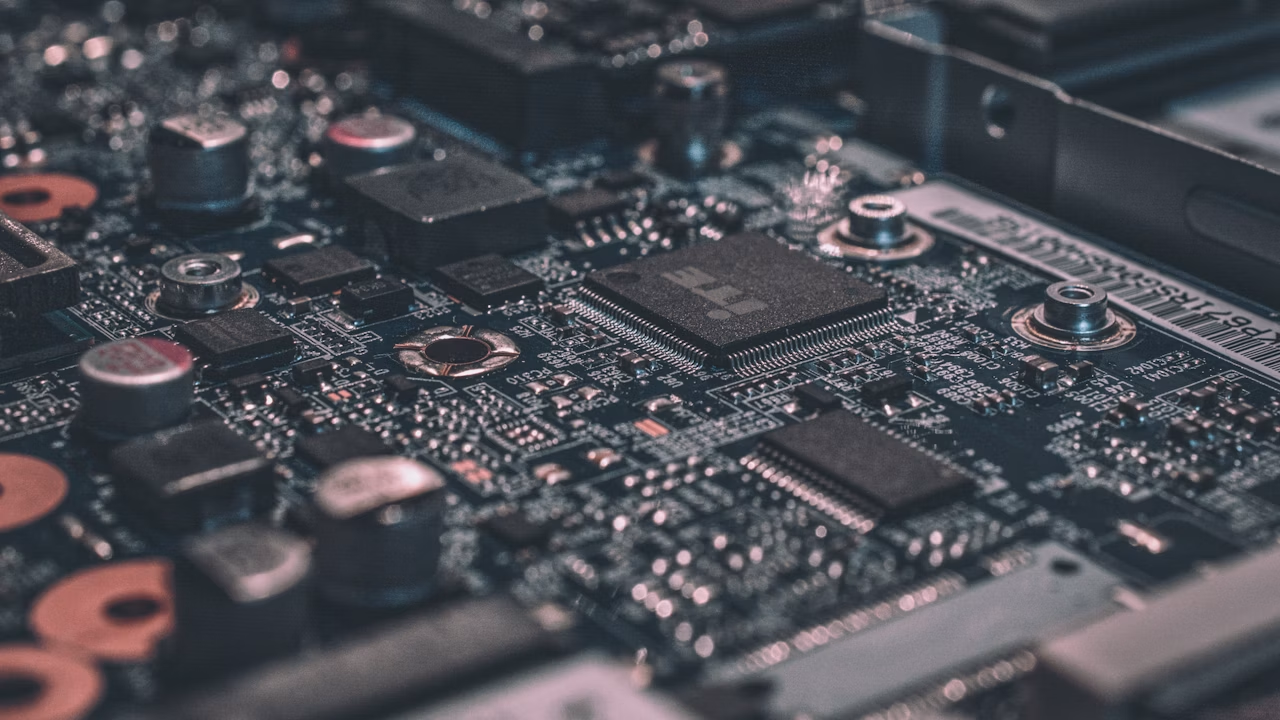
In an era where technology is deeply integrated into our daily routines, our smartphones, laptops, tablets, and smart home systems represent significant financial investments. Unfortunately, many consumers find themselves replacing hardware far sooner than necessary due to preventable wear and tear. Learning how to extend the life of electronic devices not only saves you money but also reduces environmental e-waste, making your tech habits both economically and ecologically sustainable.
Maximizing the lifespan of your gadgets doesn't require advanced technical expertise. By establishing simple, proactive maintenance habits and understanding the core vulnerabilities of modern circuitry and batteries, you can keep your electronics running smoothly for years beyond their expected expiration dates. This comprehensive guide outlines the exact strategies experts use to protect and preserve consumer electronics.
The Core Principles to Extend the Life of Electronic Devices
To effectively protect your hardware, you must first understand the primary environmental enemies of modern circuitry: heat, dust, and unstable electrical currents. Addressing these three factors is the foundational step to extend the life of electronic devices.
Understanding Heat and Ventilation
Heat is the absolute number-one killer of electronic components. When internal temperatures rise, silicon chips degrade faster, solder joints can crack, and batteries lose their capacity permanently. Always ensure your devices have adequate ventilation. Avoid placing laptops on soft surfaces like beds or carpets that block cooling vents, and never stack operating hardware on top of other heat-generating appliances.
The Importance of Clean Power Sources
Electrical fluctuations, power surges, and brownouts can instantly fry sensitive microprocessors. To protect your devices, never plug high-value electronics directly into standard wall outlets. Always utilize high-quality surge protectors, and consider investing in an Uninterruptible Power Supply (UPS) for critical hardware like desktop computers and network storage drives to prevent sudden power loss and data corruption.
Mastering Battery Care and Maintenance
Most modern portable electronics rely on Lithium-ion (Li-ion) batteries. Unlike older battery technologies, Li-ion batteries require specific care patterns to maintain their health and prevent capacity degradation over time.
The 20-80 Rule for Lithium-Ion Batteries
Lithium-ion batteries experience the least amount of stress when their charge level is kept between 20% and 80%. Constantly draining your battery to 0% or keeping it plugged in at 100% all day accelerates capacity loss. Try to unplug your phone or laptop once it reaches 80-90%, and recharge it before it drops below 20% to maximize its charge cycles.
Avoiding Extreme Temperature Exposure
Batteries are highly sensitive to temperature extremes. Charging a device that is hot to the touch, or leaving your smartphone on a car dashboard in the summer sun, can cause irreversible damage to the chemical structure of the battery. If your device feels unusually hot, stop using it immediately and let it cool down before plugging it into a charger.
Proper Cleaning and Physical Protection
Physical damage and dirt accumulation are common causes of premature hardware failure. Keeping your devices physically clean and protected prevents mechanical wear and internal short circuits.
Safe Dusting and Port Maintenance
Dust acts as an insulator, trapping heat inside your devices and clogging cooling fans. Use a can of compressed air every few months to blow dust out of charging ports, speaker grilles, and cooling vents. When cleaning ports, never insert metal objects like paperclips; instead, use a wooden toothpick or a dedicated anti-static cleaning brush to gently remove lint.
Choosing the Right Protective Gear
Investing in high-quality cases and screen protectors is essential for portable devices. Look for cases with reinforced corners and raised bezels to protect screens and camera lenses from drops. For laptops, a padded sleeve provides critical protection against micro-shocks during transportation, which can loosen internal ribbon cables and damage hard drives.
Software Optimization to Extend the Life of Electronic Devices
Physical maintenance is only half the battle. Software bloat, malware, and outdated firmware can force your hardware to work harder than necessary, generating excess heat and accelerating physical wear. Optimizing your software is a highly effective way to extend the life of electronic devices.
Keeping Firmware and Operating Systems Updated
Manufacturers regularly release software updates that include vital security patches, bug fixes, and hardware efficiency optimizations. Running outdated software can cause your processor to run inefficiently, draining your battery faster and generating unnecessary heat. Enable automatic updates for your operating systems and essential applications.
Managing Storage and Background Processes
When a device's storage is nearly full, the operating system struggles to manage temporary files and virtual memory, leading to sluggish performance and increased CPU strain. Keep at least 10% to 15% of your storage space free. Regularly uninstall unused apps, disable unnecessary background processes, and clear your system cache to keep your device running efficiently.
Smart Storage Practices for Idle Electronics
How you store your electronics when they are not in use plays a massive role in their longevity. Improper storage can lead to dead batteries, moisture damage, and ruined displays.
Preparing Devices for Long-Term Storage
If you plan to store a device for several months, do not store it with a fully charged or completely drained battery. Store it at approximately 50% charge. Storing a battery at 0% can put it into a deep discharge state, making it incapable of holding a charge in the future, while storing it at 100% accelerates capacity loss.
Ideal Environmental Conditions for Storage
Always store your electronics in a cool, dry, and dust-free environment. Avoid damp basements, hot attics, or areas prone to temperature fluctuations. Moisture in the air can slowly corrode internal copper traces, leading to sudden device failure when you power them back on.
Safe Charging Habits for Daily Use
The way you supply power to your devices on a daily basis dictates how long their internal power management systems and batteries will survive.
Using Certified Cables and Chargers
Cheap, uncertified charging bricks and cables often lack crucial safety mechanisms that protect against overcurrent, overvoltage, and short circuits. Always use the original charger that came with your device or purchase high-quality replacements certified by reputable standards (such as USB-IF or Apple MFi).
Unplugging Once Fully Charged
While modern devices are smart enough to stop drawing power when they reach 100%, leaving them plugged in indefinitely keeps the battery under high voltage stress and generates low-level heat. Try to get into the habit of unplugging your devices once they are charged, especially overnight.
Frequently Asked Questions
What is the single biggest threat to electronic device lifespan?
Excessive heat is the single biggest threat to electronics. It degrades the chemical components of batteries, puts thermal stress on microprocessors, and can cause physical warping or solder joint failures over time.
Should I keep my laptop plugged in all the time?
No, keeping your laptop plugged in at 100% constantly subjects the battery to high voltage and heat, which accelerates capacity degradation. It is best to unplug it occasionally and let the battery drain to around 20-30% before recharging.
How often should I clean my devices physically?
You should do a basic physical cleaning, such as wiping down screens and dusting ports with compressed air, every 3 to 6 months to prevent dust buildup from restricting airflow and trapping heat.
Do software updates actually help extend device life?
Yes, software updates often contain performance optimizations and power management improvements that reduce the physical strain on your CPU and battery, helping your hardware last longer.
Is it safe to use household glass cleaner on screens?
No, household glass cleaners contain harsh chemicals like ammonia or alcohol that can strip away the protective oleophobic (oil-resistant) coatings on your device screens. Use a dry microfiber cloth or a screen cleaner specifically designed for electronics.
Can cheap charging cables damage my phone?
Absolutely. Low-quality, uncertified cables often lack voltage regulation and surge protection, which can lead to overheating, battery swelling, or fatal damage to your device's motherboard.
Conclusion
Extending the life of your electronic devices is a highly achievable goal that requires consistency rather than technical expertise. By managing operating temperatures, practicing smart battery habits, keeping devices clean, and choosing high-quality charging accessories, you can double or even triple the useful life of your technology. Implement these simple guidelines today to protect your investments, minimize your environmental footprint, and enjoy peak performance from your gadgets for years to come.
Related Reading
- electronic waste recycling — eco-friendly tech disposal and recycling
- surge protectors — how to choose the right surge protector for home electronics
- battery calibration guide — how to calibrate your laptop or smartphone battery
- clean computer hardware — safe step-by-step methods for cleaning delicate computer components