Guide · Aug 09, 2026
What Does 120Hz Mean on a Phone?
A 120Hz phone screen refreshes its image 120 times per second, delivering noticeably smoother scrolling, reduced visual motion blur, and faster touch responsiveness.
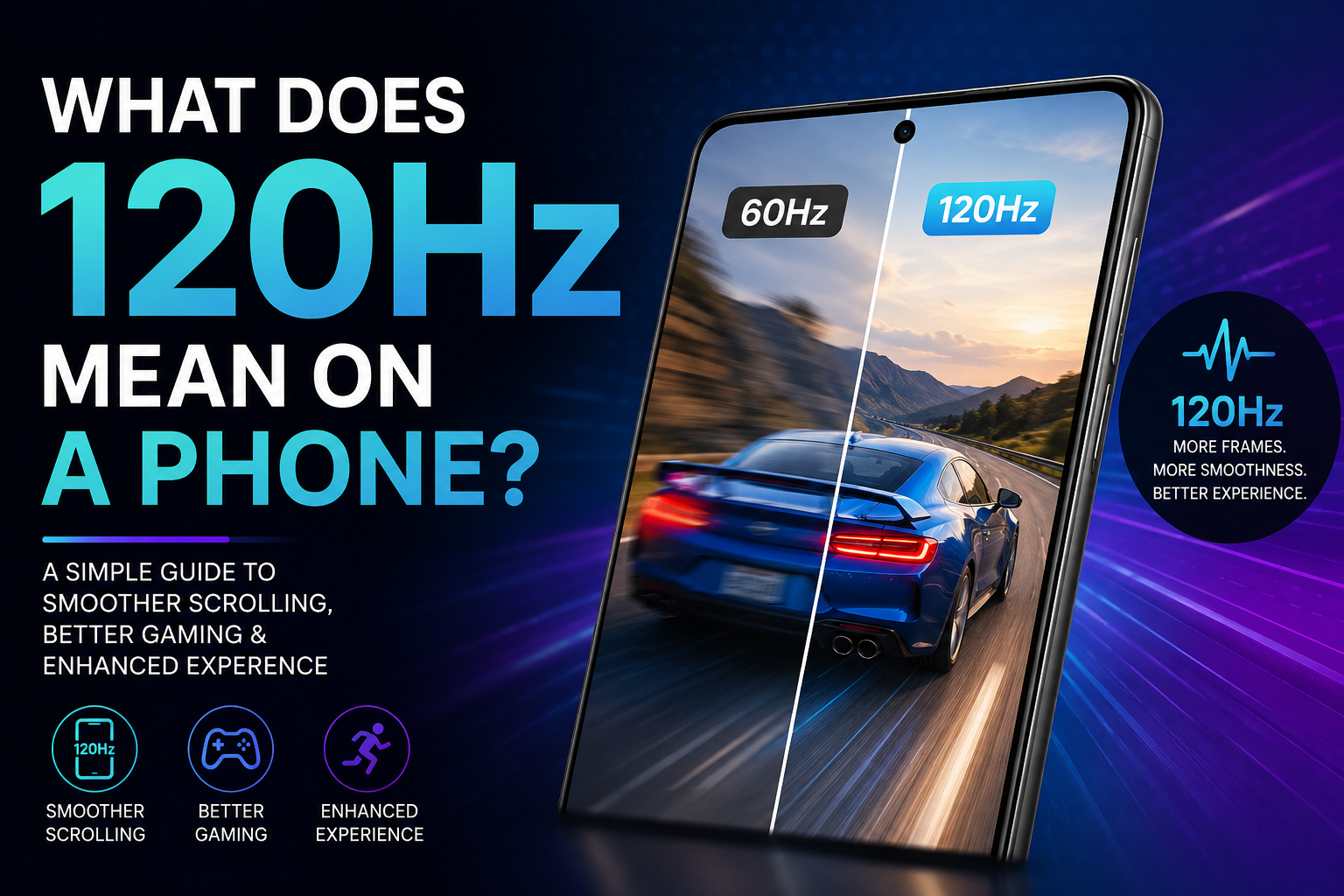
If you have looked at smartphone specs recently, you have likely seen manufacturers highlight a feature called a 120Hz display. But what does 120Hz mean on a phone, and why has it become a major selling point for modern flagship and mid-range devices? Simply put, a 120Hz refresh rate means your smartphone screen updates the image it displays 120 times every second. This dramatic jump over standard displays makes every swipe, scroll, and animation look remarkably smooth.
In this comprehensive guide, we will break down the science behind display refresh rates, compare 120Hz against standard 60Hz screens, evaluate its impact on mobile gaming and battery longevity, and help you decide whether a high refresh rate display is essential for your next smartphone upgrade.
Understanding Refresh Rates: What Does 120Hz Mean on a Phone Display?
To understand what 120Hz means on a phone, it helps to know how screen technology presents motion. A smartphone screen does not display a continuous moving picture; instead, it renders thousands of still images in rapid succession to create the illusion of motion.
Hertz Explained: The Science of Frames Per Second
The term Hertz (Hz) is a unit of frequency that measures how many times an event repeats per second. In smartphone hardware, 1Hz equals one screen refresh per second. Therefore:
- 60Hz Display: Refreshes the image 60 times per second (16.6 milliseconds per frame).
- 120Hz Display: Refreshes the image 120 times per second (8.33 milliseconds per frame).
By cutting the frame rendering time in half, a 120Hz panel displays double the visual detail during fluid movements, creating a noticeably slicker software experience.
How Display Hardware Updates Images
When you interact with your touchscreen, the processor and graphics chip render frames and send them to the display controller. A display running at 120Hz syncs with the GPU to redraw pixels twice as quickly as standard screens. This cuts down on stuttering and visual judder during fast motion.
60Hz vs. 120Hz: What Changes for the User?
Upgrading from a traditional 60Hz display to a modern 120Hz smartphone introduces immediate, tactile changes to how you interact with your device every day.
Smoother Scrolling and UI Animations
The primary benefit of a 120Hz screen is visual fluidness. When scrolling through social media feeds, websites, or long document files, text and photos remain legible while moving. On a 60Hz panel, fast scrolling often creates blur or jitter, whereas 120Hz maintains clarity throughout the gesture.
Faster Touch Response and Reduced Motion Blur
High refresh rate displays are frequently paired with higher touch sampling rates (often 240Hz or 480Hz). This means the screen senses your finger input hundreds of times per second. Combined with 120Hz frame rendering, touchscreen responses feel instantaneous and direct, eliminating perceived input lag.
How a 120Hz Phone Display Affects Mobile Gaming
Mobile gamers stand to benefit significantly from understanding what 120Hz means on a phone when playing graphics-intensive, fast-paced titles.
Competitive Advantage and Lower Input Lag
In fast-reaction mobile games like first-person shooters, racing simulators, and battle royales, extra frames deliver real-time visual information sooner. Seeing an enemy appear on screen 8 milliseconds faster gives competitive players a crucial reaction advantage over opponents playing on standard 60Hz screens.
Game Compatibility and Frame Rate Capping
Not every mobile game automatically runs at 120 frames per second (FPS). Game developers must specifically optimize their titles to support unlocked high frame rates. While many popular games support high refresh output, some titles remain locked at 30FPS or 60FPS to preserve battery performance or hardware stability.
The Impact of 120Hz Display on Phone Battery Life
While 120Hz displays deliver exceptional visual quality, rendering double the frame rate places higher demands on internal components, which directly affects power consumption.
Why Higher Refresh Rates Drain More Power
Running a screen at a constant 120Hz requires both the graphics processor and display panel driver to work twice as hard. Running a display continuously at 120Hz can decrease overall battery life by roughly 10% to 20% compared to standard 60Hz operation.
Adaptive Refresh Rates (LTPO Technology) Explained
To fix battery drain issues, premium modern smartphones use LTPO (Low-Temperature Polycrystalline Oxide) display technology. LTPO enables dynamic adaptive refresh rates, allowing the screen to automatically shift its frequency based on content:
- 120Hz: Active during fast scrolling and gaming.
- 60Hz: Used when watching standard 30FPS or 60FPS video content.
- 1Hz to 10Hz: Used when viewing static images, reading ebooks, or displaying the Always-On Display, conserving battery power significantly.
120Hz vs. 90Hz vs. 144Hz: Comparing Refresh Rates
As mobile display technology evolves, manufacturers offer multiple refresh rate configurations across different device tiers.
Is 90Hz Enough for Daily Use?
A 90Hz refresh rate offers a sweet spot for budget and mid-range devices. It delivers roughly 50% more frames than standard 60Hz screens, giving users a smooth scrolling experience with less battery consumption than continuous 120Hz modes.
Do You Need 144Hz or Higher on a Smartphone?
Dedicated gaming smartphones often sport 144Hz or 165Hz displays. While these specs look impressive on paper, human eyes experience diminishing returns above 120Hz on smaller screen surfaces. For 95% of users, 120Hz provides the ideal balance between extreme fluidity and energy efficiency.
How to Check and Enable 120Hz on Your Smartphone
Most modern phones that feature high refresh rate screens allow users to customize display frequency in device settings to balance performance and battery usage.
Enabling High Refresh Rate on Android
- Open your phone's Settings app.
- Navigate to Display or Display & Brightness.
- Select Screen Refresh Rate, Motion Smoothness, or Smooth Display.
- Choose High (120Hz) or Adaptive/Dynamic for optimal performance.
Enabling ProMotion on iPhone (iOS)
On supported Apple flagship models, 120Hz technology is marketed as ProMotion. It operates dynamically out of the box. If you wish to limit the refresh rate to 60Hz to maximize battery, navigate to Settings > Accessibility > Motion and toggle on Limit Frame Rate.
Frequently Asked Questions
What does 120Hz mean on a phone?
120Hz means your smartphone screen updates or redraws its image 120 times every second. This double frame rate results in noticeably smoother scrolling, fluid software animations, and reduced input lag compared to standard 60Hz displays.
Can you really tell the difference between 60Hz and 120Hz on a phone screen?
Yes, most users instantly notice a difference when scrolling through text, browsing social media, or navigating the interface. The motion on a 120Hz screen appears much crispier and less blurry than on a standard 60Hz panel.
Does 120Hz drain battery faster?
Yes, forcing a display to run continuously at 120Hz can drain 10% to 20% more battery power. However, modern smartphones with LTPO technology mitigate this by dynamically lowering the refresh rate when high speeds are not needed.
Is a 120Hz display necessary for non-gamers?
While not strictly necessary for basic tasks like texting or taking calls, a 120Hz display greatly improves everyday user experience by making system animations, app transitions, and Web browsing significantly smoother.
What is the difference between refresh rate and touch sampling rate?
Refresh rate (Hz) measures how many times per second the screen updates the displayed image. Touch sampling rate (Hz) measures how many times per second the screen detects your touch inputs.
What is Apple ProMotion?
ProMotion is Apple's brand name for its adaptive 120Hz display technology used on flagship iPhone and iPad models, which dynamically adjusts refresh rates from 10Hz up to 120Hz depending on active content.
Conclusion
In summary, understanding what 120Hz means on a phone boils down to visual smoothness, responsiveness, and enhanced display clarity. By refreshing screen pixels 120 times per second, high refresh rate displays transform everyday interactions, making scrolling, app navigation, and mobile gaming feel effortlessly fast.
While standard 120Hz modes consume extra battery power, modern variable refresh rate technologies like LTPO solve this drawback efficiently. If you are shopping for a new smartphone today, opting for a 120Hz display is one of the most noticeable upgrades you can choose for a superior visual experience.
Related Reading
- LTPO display technology — Understanding LTPO OLED technology in modern mobile phone screens
- touch sampling rate explained — What touch sampling rate means and how it affects mobile gameplay response times
- how to extend smartphone battery life — Practical tips to improve smartphone battery performance and screen settings
- best mobile display settings for gaming — Optimizing screen refresh rate and graphics settings for mobile games