Guide · Jul 31, 2026
What Happens When Your Phone Overheats?
Learn what happens when your phone overheats, including thermal throttling, battery chemical degradation, hardware risks, and safe cooling methods.
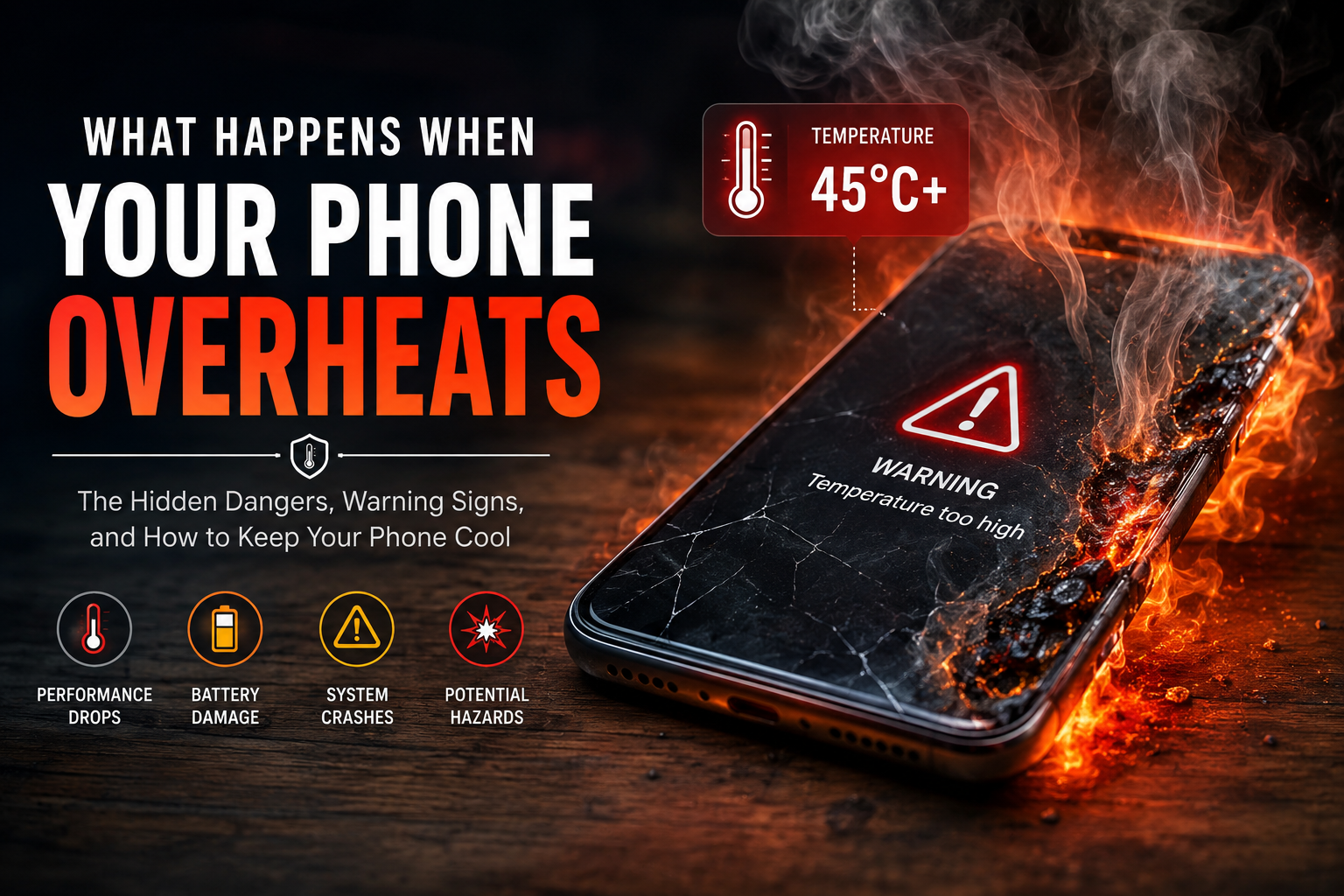
Modern smartphones are incredible technological marvels, packing desktop-class processing power into ultra-thin devices. However, because smartphones lack internal cooling fans, managing thermal output is a constant physical challenge. You have likely felt your device grow uncomfortably hot while gaming, navigation routing, or charging on a summer afternoon. But do you know what happens when your phone overheats beneath its glass screen?
When thermal levels surge past normal operating parameters, a cascade of safety protocols, performance compromises, and potential hardware damage begins. Understanding these reactions helps you protect your device's longevity, safeguard your personal data, and avoid hazardous battery failures.
The Immediate Symptoms: How to Tell What Happens When Your Phone Overheats
When internal temperatures cross safe thresholds (typically around 35°C to 45°C or 95°F to 113°F), your operating system initiates automated defense protocols. You will notice several immediate symptoms designed to limit heat generation.
Performance Slowdowns and Thermal Throttling
The primary symptom of an overheated smartphone is severe lag. System-on-a-Chip (SoC) processors automatically reduce their clock speeds—a process called thermal throttling—to minimize energy consumption and stop generating excess heat. Games will suffer severe frame drops, animations will stutter, and apps will take noticeably longer to launch.
Screen Dimming and Display Warnings
Modern OLED and LCD screens generate substantial heat at high brightness levels. When internal heat rises, your phone will force-dim the display, even if auto-brightness is turned off or slider bars are maximized. On iOS and Android devices, reaching critical temperatures triggers full-screen warning messages disabling all functions except emergency calls.
Disabled Features (Flash, Camera, Charging)
To reduce power consumption, the operating system selectively shuts down high-drain components. Camera flash hardware, high-resolution video recording, GPS tracking, and cellular signal boosting are disabled first. Furthermore, fast-charging protocols halt entirely to prevent further heat accumulation inside the battery cell.
The Internal Chain Reaction: What Happens Inside an Overheating Phone
To understand the hardware impact, it helps to look at the physical reaction inside the phone chassis when thermal limits are exceeded.
Processor Stress and Thermal Expansion
As the central processing unit (CPU) and graphics processing unit (GPU) operate under high load, microscopic transistors generate heat. Without fans, heat transfers outward through vapor chambers, graphite sheets, and the phone's outer shell. Continuous thermal stress causes subtle micro-expansion in internal solder joints, which over time can lead to loose component connections.
Battery Chemical Instability
Lithium-ion batteries store energy through chemical reactions. Excessive heat accelerates these internal reactions, breaking down liquid electrolytes into gas. This chemical decay reduces the battery's ability to hold an electric charge efficiently, permanently reducing overall capacity.
Short-Term vs. Long-Term Damage Caused by Overheating
Not all thermal events result in permanent destruction, but repeated overheating builds cumulative damage over time.
Temporary Glitches and Force Closes
In the short term, high temperatures cause RAM errors and software instability. Operating systems will force-close demanding applications to lower power consumption. Once the phone cools down to normal operating temperatures, normal functionality typically restores without permanent software loss.
Permanent Battery Degradation and Hardware Failure
Long-term consequences are far more serious. Sustained heat causes permanent loss of battery health, resulting in shorter daily battery life. In severe cases, extreme heat distorts adhesive layers, damages glue bonds keeping display panels sealed, or melts sensitive internal ribbon cables.
Can an Overheating Phone Explode or Catch Fire?
While modern smartphones have rigorous safety layers, catastrophic battery failure remains a physical possibility under specific conditions.
Understanding Thermal Runaway
If a lithium-ion battery breaches safe temperature thresholds (usually above 60°C or 140°F) or suffers physical puncture while overheated, it can enter thermal runaway. This self-sustaining exothermic chain reaction causes internal temperatures to spike violently within seconds, bursting the battery casing and releasing flammable gases, flame, or smoke.
Built-In Device Safety Features
To prevent thermal runaway, manufacturers integrate thermal sensors across the logic board and battery controller. Integrated circuits automatically sever battery power supply if internal temperatures reach dangerous levels, shutting down the phone completely before hardware reaches combustion points.
Primary Triggers: Why Does Your Phone Overheat?
Preventing thermal issues requires identifying common environmental and usage factors that drive up temperature spikes.
Environmental Factors and Direct Sunlight
Leaving a phone on a vehicle dashboard, window sill, or beach towel exposes dark glass surfaces to direct solar radiation. Enclosed hot cars can reach interior temperatures exceeding 50°C (120°F), quickly pushing resting phone electronics past safety margins.
Heavy Processing and Background Usage
Intensive tasks like 3D gaming, augmented reality (AR) applications, high-bitrate video recording, or background app syncing force the CPU and GPU to draw maximum wattage, turning consumed electrical energy directly into thermal heat.
Faulty Accessories and Thick Phone Cases
Thick protective rubber cases isolate heat, trapping it around the chassis instead of radiating it into ambient air. Additionally, using low-quality or uncertified third-party chargers can deliver unstable voltages, causing power ICs and batteries to heat up rapidly.
Immediate Steps: What to Do When Your Phone Overheats
If your device feels hot to the touch or displays a thermal warning alert, follow these immediate cooling steps to minimize potential damage.
Quick Actions to Cool Down Your Device Safely
- Unplug immediately: Disconnect any power cables or wireless charging pads.
- Remove the protective case: Strip off rubber or plastic cases to allow heat to radiate off the body.
- Power off the phone: Shutting down stops all active CPU processes and battery drain.
- Move to shade: Relocate the device to a cool, shaded environment away from direct light.
- Set near a fan: Gentle air circulation cools the outer casing safely.
What NOT to Do: Avoiding the Freezer Trap
Never place an overheated phone inside a freezer or refrigerator. Rapid temperature shifts create condensation inside sealed glass compartments, resulting in moisture droplets on circuit boards that cause irreversible liquid damage or short circuits.
How to Prevent Your Phone From Overheating
Adopting smart usage habits will protect your smartphone's internal components from thermal stress and preserve long-term battery health.
Smart Charging Habits
Avoid heavy gaming or streaming while fast charging, as combining high power delivery with active GPU usage doubles heat generation. Place your phone on a hard, flat surface while charging rather than plush surfaces like beds or pillows that trap heat.
Optimizing System Settings
Keep system software updated to benefit from power efficiency optimizations. Disable unnecessary background app refresh, lower display screen brightness, and turn off location services when not needed to lower passive CPU workloads.
Frequently Asked Questions
Is it normal for my phone to feel warm while charging?
Yes, slight warming during charging—especially fast charging or wireless charging—is completely normal. However, if the device becomes uncomfortably hot to hold or displays a warning, disconnect the charger immediately.
Can putting an overheated phone in the fridge fix it?
No. Putting a hot phone in a fridge or freezer causes rapid cooling, leading to internal water condensation that can permanently short-circuit internal components.
At what temperature does a phone start overheating?
Most smartphones operate best between 0°C and 35°C (32°F to 95°F). Internal safety protocols typically activate when internal battery or SoC temperatures exceed 45°C (113°F).
Does playing games cause permanent heat damage?
Gaming generates significant heat, but built-in thermal throttling reduces processor speed to protect components. While gaming alone rarely breaks a phone instantly, sustained high temperatures over months will accelerate long-term battery degradation.
Why does my phone overheat when I am not using it?
If your phone gets hot while idle, it usually indicates background processes stuck in an infinite loop, rogue background apps, poor cellular reception forcing antennae to boost power, or direct sunlight exposure.
Can a swollen battery be caused by heat?
Yes. Severe or continuous overheating breaks down electrolyte fluid inside lithium-ion battery cells into gas, leading to physical battery swelling and bulging.
Conclusion
Understanding what happens when your phone overheats allows you to take preemptive action before hardware damage occurs. From temporary performance throttling to long-term battery degradation, excess heat remains the primary enemy of mobile electronics. By removing heavy cases during intense usage, keeping your device out of direct sunlight, and practicing safe charging, you can ensure your smartphone operates smoothly and lasts for years to come.
Related Reading
- extend your smartphone battery life — Proven strategies to maintain mobile battery health
- signs of a swollen battery — How to recognize and safely replace damaged lithium-ion batteries
- clear background app processes — Managing background app refresh settings on iOS and Android
- safe fast-charging standards — Understanding USB Power Delivery and phone charging safety