Guide · Aug 10, 2026
What Happens When Your Phone Overheats?
Learn what happens when your phone overheats, including performance throttling, accelerated battery degradation, hardware risks, and how to safely cool your device.
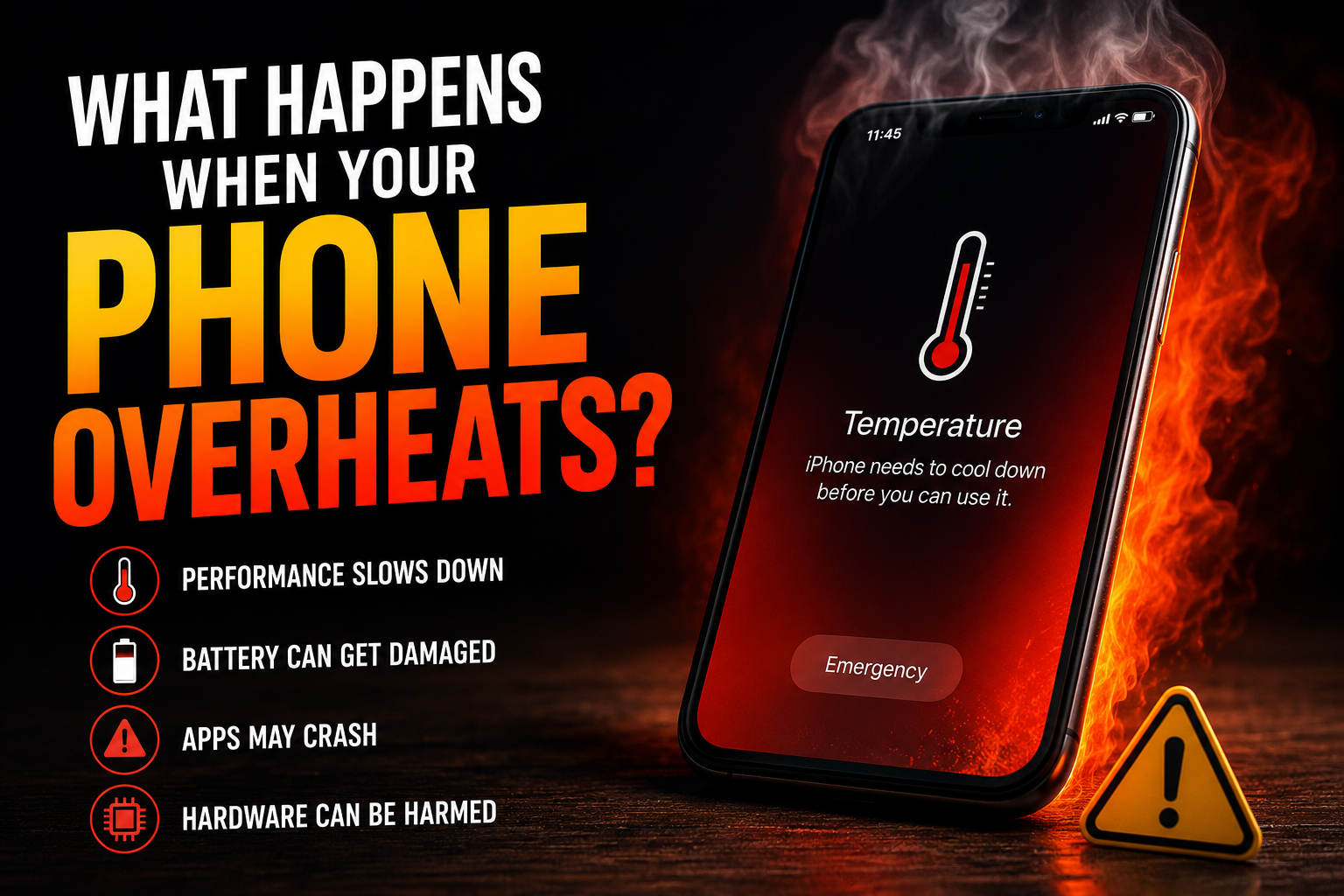
Smartphones are complex pocket computers that manage processing power, display output, wireless communication, and energy storage within an ultra-thin frame. Because modern devices lack internal fans, managing thermal dissipation is a constant challenge. You have likely felt your device grow uncomfortably warm during a long video call, extended gaming session, or while charging in a warm room. But what happens when your phone overheats beyond its designated operating temperature?
When internal temperatures cross safe operating thresholds, your phone initiates automated defense mechanisms to prevent catastrophic hardware failure. If heat continues to build up unchecked, it causes immediate software lag, accelerates chemical degradation of the battery, and risks permanent structural damage to delicate micro-components. Understanding these cascading thermal effects allows you to respond quickly and safeguard your device's longevity.
Immediate System Responses: How Modern Phones Protect Themselves
When internal temperature sensors detect heat rising above safe operating parameters (typically above 35°C to 40°C or 95°F to 104°F), the operating system steps in to safeguard internal components. These built-in safety mechanisms are designed to cut down thermal energy production immediately.
CPU Thermal Throttling and Performance Drop
The central processing unit (CPU) and graphics processing unit (GPU) are the primary sources of internal heat. When a device becomes dangerously hot, the operating system executes thermal throttling. This intentionally reduces clock speeds to lower power consumption and heat generation. As a result, you will notice stuttering animations, delayed app launches, severe frame-rate drops during gaming, and general device unresponsiveness.
Screen Dimming and Feature Restrictions
Displays—especially bright OLED and AMOLED panels—generate significant heat. To reduce thermal output, the operating system will automatically lower screen brightness, even if auto-brightness is disabled or manual brightness is set to maximum. Additionally, non-essential hardware functions are disabled, including:
- Camera Flash and Recording: The LED flash turns off, and 4K or high-frame-rate video recording is disabled.
- Wireless Performance: Cellular signal strength may be artificially throttled, turning off 5G in favor of less demanding 4G bands, or temporarily disabling Wi-Fi scanning.
- Charging Speeds: Power delivery slows down dramatically or halts altogether until internal sensors report normal thermal levels.
What Happens to Your Battery When Your Phone Overheats?
Lithium-ion (Li-ion) and lithium-polymer (Li-Po) batteries power modern smartphones. These batteries rely on delicate electrochemical reactions that are highly sensitive to temperature fluctuations.
Accelerated Chemical Degradation
Heat is the primary enemy of lithium battery health. Sustained high temperatures cause the electrolytes inside the cell to breakdown much faster than normal. High temperatures accelerate the growth of the Solid Electrolyte Interphase (SEI) layer on the battery's anode, permanently reducing maximum energy capacity. If your phone frequently overheats, you may lose significant battery capacity within months rather than years.
Battery Swelling and Physical Hazards
Extreme overheating causes liquid electrolyte inside the battery cell to decompose into gas. As pressure builds inside the sealed pouch, the battery physical expands. A swollen battery puts severe pressure on internal components, cracking glass backs or lifting the screen off the frame. In rare instances, severe physical or thermal distress leads to a short circuit, resulting in thermal runaway—a state where the battery catches fire or explodes.
Internal Hardware Damage Caused by Excessive Heat
Beyond performance throttling and battery strain, prolonged exposure to high heat causes permanent physical damage to sensitive internal electronics.
Damage to Circuit Boards and Microchips
The logic board (motherboard) houses thousands of microscopic solder joints and sensitive integrated circuits (ICs). Heat causes different materials inside the phone to expand at varying rates. Repeated expansion and contraction cycles put structural stress on solder joints, leading to micro-fractures. Micro-fractures cause unexpected system reboots, loss of cellular connectivity, or total logic board failure.
Display Discoloration and Adhesive Degradation
Extreme heat negatively affects display panels and structural assembly. Prolonged high temperatures cause permanent yellowing or discoloration on LCD and OLED layers. Furthermore, modern water-resistant smartphones rely on specialized waterproof adhesives around the frame and SIM tray. High internal temperatures melt or soften these glues, compromising the device's water resistance capabilities.
Primary Triggers: Why Smartphone Overheating Occurs
Understanding what happens when your phone overheats requires examining the primary factors that trigger thermal buildup in the first place.
Heavy Workloads and Poor Heat Dissipation
Demanding tasks like 3D gaming, augmented reality (AR) apps, GPS navigation, and high-definition video rendering force the system to draw maximum power. If the phone is wrapped in a thick protective case that traps heat, or if background apps run unoptimized code, heat builds up faster than the chassis can radiate it outward.
Environmental Factors and Environmental Heat
Direct exposure to sunlight—such as leaving a phone on a vehicle dashboard during summer—causes ambient thermal absorption. Combined with ambient room temperatures above 30°C (86°F), passive cooling becomes impossible because external heat prevents the device from shedding its internal energy.
How to Recognize the Warning Signs of Overheating
Identifying early warning signs allows you to act before hardware damage occurs.
Tactile Warmth vs. Uncomfortable Surface Heat
It is normal for a phone to feel warm during fast charging or intensive gaming. However, if the device becomes uncomfortably hot to hold, or if heat is concentrated strictly in one spot (such as near the rear camera module or charging port), your device has crossed into unsafe thermal territory.
On-Screen High-Temperature Alerts
Both iOS and Android feature built-in system alerts. iOS displays a full-screen warning stating "iPhone needs to cool down before you can use it," limiting functionality to emergency calls only. Android devices issue pop-up system warnings and may forcibly shut down active apps or power off the device completely to preserve component integrity.
What to Do Immediately When Your Phone Overheats
If your device reaches critical temperatures, immediate action prevents severe battery and component damage. Follow these safe protocols to lower internal temperatures quickly.
Safe and Effective Cooling Steps
Take these steps immediately if your phone is dangerously hot:
- Unplug the Charger: Stop charging immediately, as fast power transfer generates significant thermal energy.
- Remove the Protective Case: Cases trap ambient heat; removing the cover allows heat to dissipate into the air.
- Power Off or Use Airplane Mode: Turn off the device completely, or enable Airplane Mode to shut down cellular, Wi-Fi, and Bluetooth radios.
- Move to a Cooler Environment: Place the phone in the shade, away from direct sunlight, or in front of a gentle fan stream.
Dangerous Cooling Mistakes to Avoid
Never place an overheated phone inside a refrigerator, freezer, or ice bath. Rapid temperature shifts cause condensation inside the sealed chassis, leading to water damage, short circuits, and cracked display glass due to sudden thermal shock.
Frequently Asked Questions
Can an overheated phone cause permanent battery damage?
Yes. Exposure to high heat accelerates chemical degradation inside lithium-ion batteries, reducing maximum holding capacity and shortening total battery lifespan.
Why does my screen dim automatically when my phone gets hot?
Modern operating systems automatically reduce screen brightness when thermal thresholds are exceeded to lower power consumption and reduce heat output from the display panel.
Is it safe to put an overheated phone in the fridge or freezer?
No. Putting a hot phone in a freezer causes rapid cooling, creating internal water condensation that can cause short circuits and permanently ruin hardware.
Why does my phone overheat while charging?
Charging creates energy loss in the form of heat. Combined with fast charging protocols, heavy background app activity, or charging under a pillow or thick case, heat can accumulate rapidly.
What is thermal throttling in a smartphone?
Thermal throttling is a protective mechanism where the operating system intentionally reduces CPU and GPU performance to lower temperature and prevent permanent component damage.
Will an overheated phone explode?
While extremely rare, severe overheating caused by damaged battery cells or severe physical impact can lead to thermal runaway, causing the battery to swell, catch fire, or burst.
Conclusion
Understanding what happens when your phone overheats highlights the critical role thermal management plays in portable electronics. From automatic performance throttling and display dimming to long-term battery loss and hardware failure, excess heat affects almost every component inside your device. By spotting early thermal warning signs, removing protective cases, and allowing your device to cool down naturally, you can protect your smartphone's hardware and extend its lifespan for years to come.
Related Reading
- prevent smartphone battery degradation — Best Practices for Maintaining Smartphone Battery Health
- fast charging safety tips — Does Fast Charging Harm Your Phone Battery?
- why phone gets hot while gaming — How to Prevent Your Phone From Overheating During Mobile Gaming
- how to monitor smartphone CPU temperature — Top Android and iOS Temperature Monitoring Tools