Guide · Aug 12, 2026
What Is Wi-Fi 6 and How Does It Work?
Wi-Fi 6 (802.11ax) is the modern standard for wireless networking, engineered to dramatically improve speed, efficiency, and multi-device connection capacity.
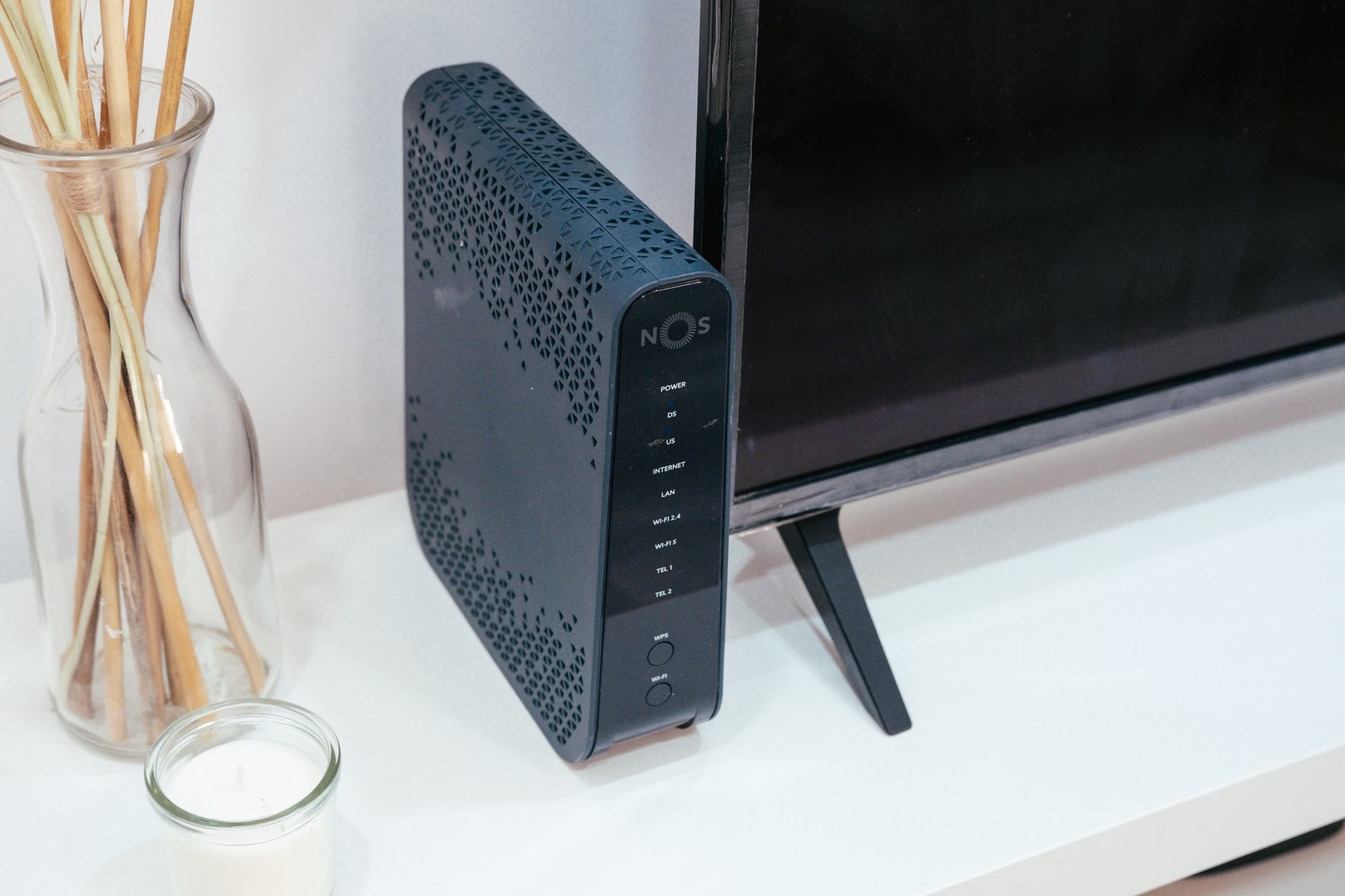
Wireless networking has evolved rapidly over the last two decades, moving from slow, unreliable connections to high-speed infrastructure capable of supporting dozens of simultaneous smart devices. At the center of this modern shift is Wi-Fi 6, officially designated by the IEEE as 802.11ax. But what is Wi-Fi 6, and how does it actually change the way data travels across your local network?
Unlike previous wireless upgrades that primarily focused on increasing peak speed for a single client, Wi-Fi 6 was built from the ground up to solve network congestion. By introducing advanced communication protocols like OFDMA, refined MU-MIMO, and target wake mechanisms, Wi-Fi 6 delivers higher efficiency, lower latency, and reliable performance across homes, offices, and crowded public venues. In this guide, we will break down how Wi-Fi 6 works, its key underlying technologies, and why it represents a major leap forward for wireless networking.
What Is Wi-Fi 6? Understanding the 802.11ax Standard
Wi-Fi 6 is the sixth generation of Wi-Fi technology, built upon the IEEE 802.11ax standard. Designed to replace Wi-Fi 5 (802.11ac), it addresses the growing demand for wireless bandwidth in environments saturated with smartphones, laptops, smart TVs, and Internet of Things (IoT) hardware.
While peak theoretical speeds on Wi-Fi 6 can reach up to 9.6 Gbps—compared to Wi-Fi 5's maximum of 3.5 Gbps—the primary objective of Wi-Fi 6 is not just raw speed. Instead, its primary focus is capacity, efficiency, and real-world performance when multiple devices communicate at the same time.
The Simplified Naming Scheme
In 2018, the Wi-Fi Alliance simplified consumer-facing terminology. Instead of forcing users to memorize technical IEEE designations like 802.11n or 802.11ac, a numerical system was established:
- Wi-Fi 4: 802.11n (released in 2009)
- Wi-Fi 5: 802.11ac (released in 2014)
- Wi-Fi 6: 802.11ax (released in 2019)
This user-friendly labeling makes it easy for consumers to identify whether their router and client devices support the latest standards.
Wi-Fi 6 vs. Wi-Fi 5: Key Architectural Shifts
Wi-Fi 5 operated almost exclusively on the 5 GHz frequency band, relying on 2.4 GHz only via backward compatibility with older standards. Wi-Fi 6 operates across both 2.4 GHz and 5 GHz bands simultaneously, incorporating modern performance improvements into both spectrums to ensure solid coverage across long distances and through obstacles.
How Does Wi-Fi 6 Work? The Core Technologies Behind the Speed
To understand how Wi-Fi 6 functions, it helps to imagine a delivery service managing traffic across a crowded highway system. Older Wi-Fi generations dispatched one delivery truck to a single destination at a time, leaving other devices waiting in line. Wi-Fi 6 uses advanced digital modulation and channel division techniques to pack multiple deliveries into a single shipment.
OFDMA: Efficient Data Splitting
Orthogonal Frequency-Division Multiple Access (OFDMA) is arguably the most critical feature in Wi-Fi 6. OFDMA takes individual wireless channels and divides them into smaller sub-channels known as Resource Units (RUs).
Instead of occupying an entire 20 MHz or 80 MHz channel to send a tiny packet of data to a smart thermostat, a Wi-Fi 6 access point uses OFDMA to group small packets for multiple devices into a single transmission burst. This drastically cuts down on transmission wait times and reduces latency across crowded networks.
MU-MIMO: Expanding Simultaneous Spatial Streams
Multi-User, Multiple-Input, Multiple-Output (MU-MIMO) allows a router to talk to multiple client devices at once using spatial streams. Wi-Fi 5 supported downstream MU-MIMO for up to four devices simultaneously. Wi-Fi 6 expands MU-MIMO to work in both uplink and downlink directions for up to eight simultaneous streams, dramatically improving multi-device responsiveness.
1024-QAM: Higher Information Density
Quadrature Amplitude Modulation (QAM) defines how data is packed into radio waves. Wi-Fi 5 used 256-QAM, which transmits 8 bits of data per symbol. Wi-Fi 6 upgrades this to 1024-QAM, carrying 10 bits per symbol. This 25% increase in data density boosts throughput for close-range data transfers.
Key Benefits of Upgrading to a Wi-Fi 6 Network
Adopting Wi-Fi 6 provides noticeable improvements in everyday wireless performance, particularly in modern homes and offices where wireless client density is high.
Reduced Latency for Gaming and Video Calls
By combining OFDMA and enhanced MU-MIMO, Wi-Fi 6 substantially decreases queueing times. Data packets reach their destination with minimal delay, providing seamless experiences for real-time applications such as competitive online gaming, video conferencing, and live video streaming.
Target Wake Time (TWT) for IoT Battery Conservation
Target Wake Time (TWT) allows the access point and client devices to negotiate specific schedules for transmitting data. Instead of forcing a mobile device or smart sensor to keep its Wi-Fi radio continuously active to listen for signals, the router tells the device exactly when to sleep and when to wake up. This significantly improves battery life on mobile phones, wearables, and IoT sensors.
BSS Coloring to Minimize Neighbor Interference
In dense apartment buildings or offices, overlapping signals from neighboring routers cause co-channel interference. Wi-Fi 6 introduces Basic Service Set (BSS) Coloring, which assigns a numerical color code to signals from a specific network. If a Wi-Fi 6 device detects a signal from a neighboring network with a different color, it ignores it, eliminating unnecessary transmission pauses.
Wi-Fi 6 vs. Wi-Fi 6E: What is the Difference?
While evaluating Wi-Fi 6, you will often encounter the term Wi-Fi 6E. It is essential to understand how these two iterations relate to each other.
The 6 GHz Spectrum Expansion
Wi-Fi 6 operates in the traditional 2.4 GHz and 5 GHz spectrums. Wi-Fi 6E extends identical Wi-Fi 6 protocol features into the newly opened 6 GHz frequency band. This provides access to up to 1,200 MHz of additional spectrum, offering wide 160 MHz channels without channel congestion from older legacy devices.
Do You Need Wi-Fi 6E?
Wi-Fi 6 provides substantial upgrades for standard household needs and supports older devices natively. However, Wi-Fi 6E is ideal for heavy network users seeking maximum speeds with minimal signal congestion, provided both the access point and client devices specifically feature 6 GHz radio hardware.
Wi-Fi 6 Security and Compatibility
Beyond speed and capacity, Wi-Fi 6 incorporates structural updates to hardware protocols, security defaults, and backward compatibility standards.
Mandatory WPA3 Security Integration
To receive official certification from the Wi-Fi Alliance, Wi-Fi 6 devices must support WPA3 (Wi-Fi Protected Access 3) encryption. WPA3 replaces older WPA2 standards, offering stronger protection against dictionary attacks, robust password-guessing defenses, and enhanced individual data encryption on open public networks.
Full Backward Compatibility
Wi-Fi 6 hardware is fully backward-compatible with legacy Wi-Fi standards, including Wi-Fi 5 (802.11ac) and Wi-Fi 4 (802.11n). Older client devices can seamlessly connect to a Wi-Fi 6 access point, though they will operate at their native generation's theoretical capabilities.
Do You Need Wi-Fi 6? Real-World Scenarios
Upgrading your network infrastructure involves evaluating your current device ecosystem and internet environment to determine if Wi-Fi 6 is necessary.
High-Density Smart Home Environments
If your household features dozens of connected devices—such as smart speakers, security cameras, phones, TVs, and laptops—Wi-Fi 6 provides immediate performance benefits by optimizing channel capacity and eliminating data bottlenecks.
Hardware Requirements for Wi-Fi 6
To enjoy the full benefits of Wi-Fi 6, both the transmitting access point (router) and the receiving hardware (smartphone, laptop, or desktop network adapter) must support the 802.11ax standard. If only the router supports Wi-Fi 6, older devices will work reliably but will not utilize features like OFDMA or 1024-QAM.
Frequently Asked Questions
Is Wi-Fi 6 faster than Wi-Fi 5?
Yes. Wi-Fi 6 offers a theoretical maximum speed of 9.6 Gbps compared to Wi-Fi 5's 3.5 Gbps. More importantly, Wi-Fi 6 delivers significantly higher real-world speeds when multiple devices are active on the same network.
Do I need new client devices to use Wi-Fi 6?
To take full advantage of Wi-Fi 6 features like OFDMA and 1024-QAM, your laptops, smartphones, and tablets must have Wi-Fi 6 hardware. However, older Wi-Fi devices will still connect to a Wi-Fi 6 router using legacy protocols.
Will a Wi-Fi 6 router increase my internet speed?
A Wi-Fi 6 router cannot increase the maximum broadband speed supplied by your Internet Service Provider (ISP). However, it prevents local wireless congestion, allowing you to reach closer to your plan's maximum speed across multiple connected devices.
Is Wi-Fi 6 the same technology as 5G?
No. 5G is a cellular networking standard used by mobile carriers over wide area networks. Wi-Fi 6 is a short-range wireless local area network (WLAN) standard designed for homes, offices, and indoor environments.
What frequency bands does Wi-Fi 6 use?
Standard Wi-Fi 6 operates across both the 2.4 GHz and 5 GHz frequency bands. Wi-Fi 6E expands this functionality to include the 6 GHz spectrum.
Does Wi-Fi 6 improve battery life on mobile devices?
Yes. Through a feature called Target Wake Time (TWT), Wi-Fi 6 schedules transmission times with devices, allowing Wi-Fi radios in smartphones and IoT devices to sleep when not sending data, conserving power.
Conclusion
In summary, Wi-Fi 6 (802.11ax) represents a major shift in wireless design, moving beyond raw single-device speeds to focus on overall network efficiency and multi-device capacity. By implementing cutting-edge features like OFDMA, bidirectional MU-MIMO, 1024-QAM, Target Wake Time, and mandatory WPA3 security, Wi-Fi 6 comfortably handles the bandwidth demands of modern smart environments.
Whether you manage a busy household filled with streaming media and IoT devices or operate an office space requiring reliable connectivity, adopting Wi-Fi 6 provides a robust, future-proof foundation for high-speed wireless communications.
Related Reading
- Wi-Fi router setup guide — Step-by-step instructions for installing and configuring new wireless routers.
- difference between 2.4 GHz and 5 GHz — An overview explaining wireless spectrum bands and range trade-offs.
- WPA3 security standard — Detailed guide on Wi-Fi encryption types and wireless security protocols.
- Wi-Fi 7 features — An overview of next-generation 802.11be wireless capabilities and roadmap.