Guide · Aug 09, 2026
Why Do Wireless Earbuds Keep Disconnecting?
Discover why your wireless earbuds keep disconnecting and learn proven, step-by-step troubleshooting fixes for signal interference, battery drain, and software glitches.
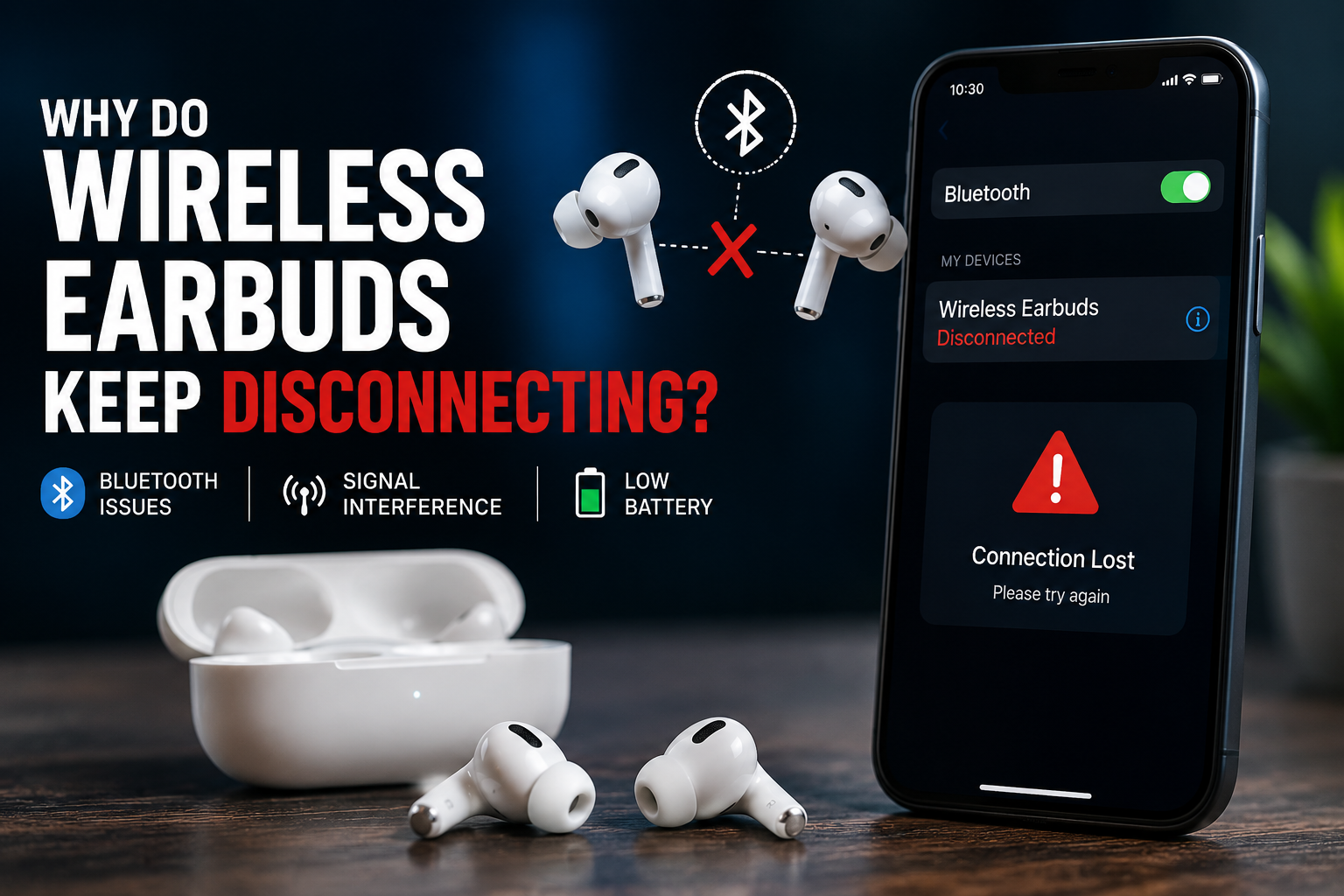
Few things are as frustrating as your favorite song or an important call cutting out unexpectedly. If you find that your wireless earbuds keep disconnecting, you are far from alone. Audio drops, single-ear cutout, and sudden Bluetooth unpairing are among the most common technical issues faced by wireless headphone users today.
Understanding the root cause requires looking at how Bluetooth technology operates in consumer electronics. From wireless signal congestion and outdated firmware to aggressive device power management and mechanical battery strain, several underlying factors can cause an unstable audio stream. In this comprehensive guide, we will break down the primary reasons why your earbuds disconnect and offer practical, step-by-step solutions to restore a reliable connection.
Understanding Why Wireless Earbuds Keep Disconnecting
To understand why audio dropouts happen, it helps to look at the underlying wireless transmission process. True wireless stereo (TWS) technology relies on low-power radio frequencies to transmit high-density audio data in real time across short distances.
How Bluetooth Audio Data Transmission Works
Bluetooth technology operates on short-range radio frequency bands. When you play audio from a smartphone or laptop, the source device compresses the audio stream into packets using a specific codec (such as SBC, AAC, or aptX) and broadcasts it to your wireless earbuds. Because this connection operates at low power to conserve battery life, even minor interruptions in the radio transmission can cause temporary packet loss, leading to micro-stutters or total disconnection.
Master and Slave Earbud Architecture
Many older or budget wireless earbud models utilize a master-and-slave architecture. In this setup, the phone transmits a Bluetooth signal directly to one primary earbud (the master). The primary earbud then relays the audio signal across your head to the secondary earbud (the slave). If physical obstructions—like dense bone or thick hair—block this inter-earbud connection, one or both wireless earbuds may keep disconnecting periodically.
Environmental Factors and Signal Interference
Your physical environment plays a massive role in maintaining a stable Bluetooth stream. Radio frequency interference and physical barriers are leading causes when audio drops unexpectedly.
Physical Obstacles and Wireless Range Limits
Standard Class 2 Bluetooth devices have a theoretical range of about 30 feet (10 meters). However, physical barriers drastically reduce this effective range. Concrete walls, metal desks, and even the human body—which is largely composed of water—absorb 2.4 GHz radio signals. Placing your phone in a thick back pocket or carrying it in a heavily shielded bag can cause frequent connection dropouts.
2.4 GHz Frequency Congestion and Wi-Fi Conflicts
Bluetooth operates on the unlicensed 2.4 GHz ISM band. This exact frequency spectrum is shared by a vast array of household technologies, including Wi-Fi routers, microwaves, cordless phones, and baby monitors. In crowded urban areas, office buildings, or public transit hubs, intense signal congestion can drown out the weak Bluetooth connection, forcing your earbuds to disconnect.
Battery Drain and Power Management Issues
Inadequate power delivery is another major culprit when wireless earbuds keep disconnecting. As batteries deplete, their voltage drops, compromising the radio transmitter's ability to maintain a strong signal.
Low Battery and Asymmetric Power Output
When earbud batteries drop below 20%, onboard power management systems prioritize basic functions over maximum transmission strength. Furthermore, because one earbud often handles voice microphone inputs or acts as the main receiver, its battery drains faster than the other. This charge asymmetry frequently results in one earbud disconnecting while the other remains active.
Aggressive OS Power-Saving Features
Modern smartphone operating systems (such as Android and iOS) feature strict battery optimization protocols. If the system detects that a background application is streaming audio, or if the screen is turned off, power management features may prematurely terminate or throttling the background Bluetooth process to conserve phone battery life.
Software, Driver, and Firmware Corruptions
Sometimes the hardware is completely fine, but logical errors in the software code prevent stable communication between devices.
Corrupted Bluetooth System Cache
Over time, your source device accumulates temporary pairing logs and Bluetooth system cache files. If a pairing file becomes corrupted or conflicts with a newly paired accessory, your smartphone may randomly drop the connection or fail to execute a seamless handshake with the earbuds.
Outdated Firmware and Codec Mismatches
Earbud manufacturers regularly release firmware updates to address connection stability bugs and adjust transmission protocols. If your earbuds or host operating system are running outdated software, bitrate mismatching between advanced audio codecs (like LDAC or LHDC) can cause constant buffering and disconnects.
How to Fix Wireless Earbuds Keep Disconnecting Issues
If your wireless earbuds keep disconnecting, follow these practical troubleshooting steps to resolve the issue software-side before considering a hardware replacement.
Step 1: Perform a Full Factory Reset
Resetting both the earbuds and your phone's connection list is the most effective fix for software glitches:
- Navigate to your device's Bluetooth settings and select Forget Device or Unpair.
- Place both earbuds inside their charging case and leave the lid open (or follow your manufacturer's specific key combination).
- Hold down the setup button on the case for 10–15 seconds until the LED indicators flash to confirm a factory reset.
- Restart your smartphone or host device, then re-pair the earbuds from scratch.
Step 2: Clear Bluetooth Cache and Adjust Audio Codecs
On Android devices, navigate to Settings > Apps > System Apps > Bluetooth and tap Clear Cache and Clear Data. If audio dropouts persist, enable Developer Options on your smartphone and force the Bluetooth Audio Codec to a stable baseline like SBC or AAC instead of high-bitrate LDAC.
Step 3: Disable Bluetooth Multipoint and Battery Savers
If your earbuds support Bluetooth Multipoint (connecting to two devices simultaneously), disable this feature in the companion app. Automatic switching often causes confusion when nearby paired laptops or tablets signal for priority. Additionally, turn off system-wide battery saver modes on your mobile phone to prevent background process killing.
When Wireless Earbuds Keep Disconnecting Due to Hardware Damage
If systematic software resets fail to resolve recurring disconnection problems, the issue may stem from physical hardware degradation inside the earbuds themselves.
Battery Health Degradation
Microscopic lithium-ion batteries inside wireless earbuds degrade rapidly over 18 to 24 months of daily charging cycles. Chemical aging leads to voltage instability; when an audio spike occurs, the voltage sags below operating thresholds, forcing the earbud's internal microcontroller to shut down instantly.
Moisture Intrusion and Internal Damage
Sweat and rainwater can penetrate non-waterproof or worn-out earbud casings. Liquid exposure corrodes internal circuit traces and damages the tiny ceramic Bluetooth antenna. If your earbuds drop connections primarily after intense workouts, internal moisture damage is a likely cause.
Frequently Asked Questions
Why do my wireless earbuds keep disconnecting in one ear?
Disconnection in a single ear usually occurs due to asymmetric battery drain, a lost signal between the master and slave earbuds, or a corrupted pairing record. Resetting the earbuds inside their case typically restores dual-channel synchronization.
Can Wi-Fi routers interfere with Bluetooth earbud connections?
Yes. Both Wi-Fi and Bluetooth share the 2.4 GHz frequency band. Being in close proximity to a high-traffic Wi-Fi router or microwave oven can cause heavy frequency interference and drop audio signals.
How do I clear the Bluetooth cache on my phone?
On Android, go to Settings > Apps, toggle on 'Show System Apps,' select 'Bluetooth,' and choose 'Clear Cache.' On iOS, unpairing all Bluetooth devices and performing a network settings reset achieves a similar result.
Does low battery cause Bluetooth earbuds to disconnect randomly?
Yes. As lithium-ion batteries deplete below 15-20%, their voltage drops, causing the built-in Bluetooth chip to lose power stability and drop connections to protect internal circuitry.
Why do my earbuds disconnect when I put my phone in my pocket?
Your body acts as a physical barrier composed largely of water, which easily absorbs low-power 2.4 GHz Bluetooth signals. Placing the phone in a back pocket or beneath thick clothing restricts the line-of-sight signal.
Will updating my phone or earbud software fix dropouts?
Often, yes. Updating your host operating system and installing the latest earbud firmware patches software bugs, fixes memory leaks, and improves codec management.
Conclusion
When your wireless earbuds keep disconnecting, the cause is rarely mystery magic—it almost always comes down to radio frequency interference, software bugs, aggressive power savings, or aging batteries. By clearing physical line-of-sight barriers, updating your device firmware, clearing your Bluetooth system cache, and performing a factory reset, you can resolve the vast majority of wireless connection issues. If the dropouts persist across multiple host devices after a complete reset, hardware degradation may mean it is time for a repair or replacement.
Related Reading
- Bluetooth codec guide — Understanding audio codecs like AAC, SBC, and LDAC for wireless audio
- how to clear Bluetooth cache on Android — Detailed step-by-step tutorial on clearing system Bluetooth cache files
- extend earbud battery health — Best practices for maintaining lithium-ion batteries in wireless audio gear
- water resistance ratings explained — Understanding IP ratings for earbuds and protecting audio gear from moisture