Guide · Aug 16, 2026
Why Do Wireless Earbuds Lose Battery So Quickly?
Discover the physical, chemical, and software-driven reasons why your wireless earbuds lose battery so quickly, along with proven tips to extend their lifespan.
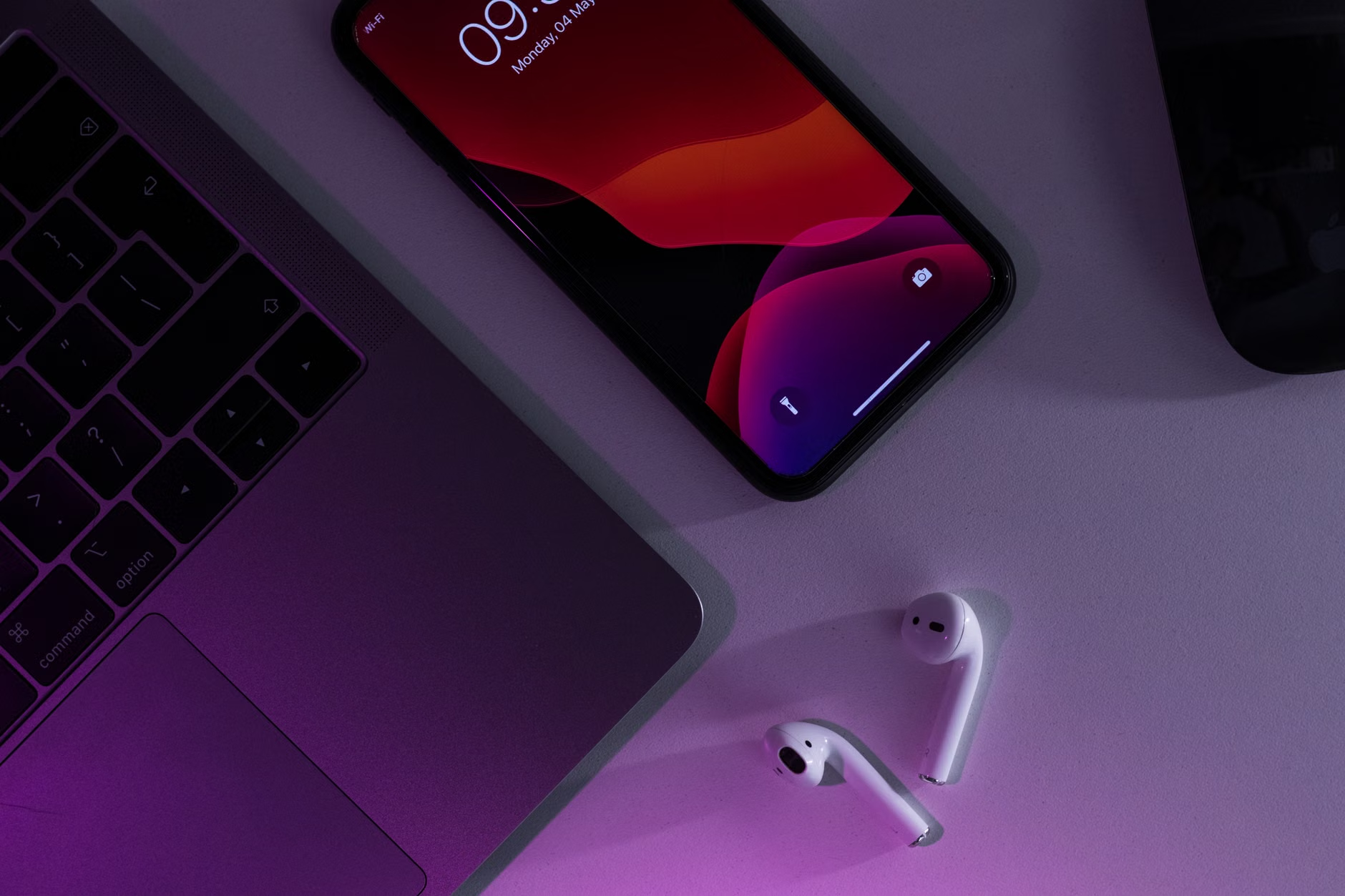
It is a frustratingly common scenario: you pop your favorite pair of wireless earbuds into your ears, ready for a long workout or a focused deep-work session, only to hear the dreaded "battery low" chime just an hour or two later. If you find yourself asking, "why do wireless earbuds lose battery so quickly?" you are not alone. While the freedom of cord-free listening is revolutionary, the physical and chemical constraints of true wireless stereo (TWS) technology present major challenges to battery longevity. In this comprehensive guide, we will break down the science behind wireless earbud battery drain, explore the features that eat up power, and provide actionable tips to help you get the most out of every charge.
The Tiny Battery Dilemma: Form Factor vs. Capacity
The primary reason wireless earbuds struggle with battery life comes down to basic physics and engineering. Unlike over-ear headphones, which have spacious ear cups to house large rechargeable batteries, wireless earbuds must fit comfortably inside the human ear canal. This severely limits the physical size of the power source.
Inside the Microscopic Lithium-Ion Cells
Most modern wireless earbuds use coin-cell or pouch-style lithium-ion batteries. These tiny cells typically have a capacity of only 30 to 85 milliampere-hours (mAh) per earbud. To put that in perspective, a modern smartphone battery usually boasts around 4,000 to 5,000 mAh. Because the reservoir of energy is so incredibly small, even minor power demands can deplete the cell rapidly.
Why Small Size Limits Total Milliampere-hours (mAh)
Because the battery must share space with a speaker driver, Bluetooth receiver, microphones, touch sensors, and a motherboard, the physical space allocated to the battery is minuscule. Manufacturers are constantly balancing comfort and weight against battery capacity. If they make the battery larger, the earbud becomes heavy, bulky, and prone to falling out of your ear.
Advanced Features That Accelerate Wireless Earbud Battery Drain
Modern earbuds are essentially miniature computers. While the convenience of high-tech features makes for an immersive listening experience, these capabilities require significant computational power, causing your earbuds to lose charge rapidly.
Active Noise Cancellation (ANC) and Transparency Modes
Active Noise Cancellation (ANC) is one of the biggest power hogs in modern audio gear. When ANC is turned on, outward-facing microphones continuously monitor external ambient noise. An internal digital signal processor (DSP) must instantly calculate and generate an "anti-noise" sound wave to cancel it out. Running this constant loop of detection, calculation, and sound reproduction can cut your earbud battery life by 20% to 40%.
High-Resolution Audio Codecs (LDAC, aptX, and AAC)
Streaming high-fidelity audio requires transferring more data over the air. Advanced Bluetooth codecs like Sony's LDAC or Qualcomm's aptX Adaptive transmit much higher bitrates than standard SBC. Processing this dense stream of data forces the Bluetooth chip and DAC (Digital-to-Analog Converter) within the earbud to work harder, generating heat and draining power much faster.
Always-On Voice Assistants and Microphone Usage
If your earbuds are constantly listening for wake words like "Hey Siri" or "OK Google," the microphones and voice-processing algorithms are always active. Similarly, using your earbuds for long phone calls or Zoom meetings drains the battery significantly quicker than music playback because the microphone transmitters must run continuously to send your voice data.
How Battery Degradation Explains Why Wireless Earbuds Lose Battery So Quickly Over Time
If you have owned your earbuds for more than a year, you might notice they do not hold a charge like they used to. This is due to the natural chemical degradation of lithium-ion technology, which explains why do wireless earbuds lose battery so quickly as they age.
The Chemical Lifecycle of Lithium-Ion Batteries
Lithium-ion batteries degrade with every charge and discharge cycle. A typical earbud battery is rated for approximately 300 to 500 full charge cycles before its maximum capacity drops to about 80% of its original state. Because earbud batteries are so small, they undergo complete charge cycles much more frequently than smartphones or laptops, meaning they hit their wear limit much faster (often within 18 to 24 months of daily use).
Micro-Charging Cycles in the Charging Case
Every time you place your earbuds back into their charging case, they are topped up to 100%. While convenient, keeping lithium-ion batteries constantly sitting at maximum voltage causes chemical stress, accelerating the degradation of the anode and cathode materials inside the tiny cells.
Environmental and Connection Factors Affecting Battery Life
Sometimes, the rapid battery drain is not caused by the hardware itself, but by how and where you are using your earbuds.
Extreme Temperatures (Cold and Heat)
Lithium-ion batteries rely on liquid chemical reactions to generate electricity. Extreme cold slows down these reactions, increasing internal resistance and causing the battery to report a sudden drop in charge. Conversely, extreme heat (such as leaving your earbuds inside a hot car) permanently damages the internal chemical structures, permanently reducing overall capacity.
Bluetooth Connection Distance and Signal Obstructions
Bluetooth transmitters are dynamic; they adjust their output power based on signal strength. If your phone is in your back pocket, in another room, or blocked by thick walls, the earbuds must boost their transmission power to maintain a stable connection. This increased signal output directly leads to faster battery consumption.
Practical Ways to Stop Your Wireless Earbuds From Losing Battery So Quickly
While you cannot bypass the physical limitations of tiny batteries, you can adopt habits and adjust settings to maximize your daily listening time and extend your earbuds' overall lifespan.
Adjusting Settings for Optimal Power Saving
- Turn off ANC when unnecessary: Switch to "Normal" or "Off" mode when you are in quiet environments where passive isolation is sufficient.
- Disable voice assistant wake words: Turn off "Always-On" voice detection in your earbud's companion app.
- Lower your volume: Listening at 50% to 60% volume instead of maximum volume can save a noticeable amount of power over several hours.
- Use standard codecs: If your app allows it, switch from LDAC/aptX to standard AAC or SBC for casual listening.
Proper Charging Habits and Storage Tips
- Avoid complete discharges: Try not to let your earbud batteries drop to 0%. Charging them when they hit 20% is much healthier for the chemistry.
- Keep contacts clean: Sweat, earwax, and dust on the charging pins can prevent the earbuds from seating correctly in the case, resulting in incomplete charges or slow trickling. Clean them gently with a dry cotton swab.
- Store at room temperature: Avoid exposing your charging case and earbuds to direct sunlight or freezing temperatures.
When Is It Time to Replace Your Earbuds?
Unfortunately, because wireless earbuds are sealed units, their batteries are almost never user-replaceable. If your earbuds are only lasting 30 to 45 minutes on a full charge despite turning off ANC and lowering the volume, the internal batteries have reached the end of their chemical lifespan. At this point, recycling the old pair and upgrading to a new model is the only practical solution.
Frequently Asked Questions
Why does one wireless earbud drain faster than the other?
One earbud often drains faster because it acts as the 'primary' receiver. This earbud connects directly to your phone, processes the audio stream, and forwards the signal to the 'secondary' earbud. Additionally, the earbud you use to trigger voice assistants or make phone calls will naturally consume more power.
Does leaving earbuds in the charging case ruin the battery?
Modern charging cases are designed with smart circuitry that stops charging once the earbuds reach 100%. However, keeping them perpetually at maximum voltage does apply mild chemical stress over time. Some premium brands now offer 'battery care' features in their apps to limit charging to 80% or 90% to prolong lifespan.
How long do wireless earbud batteries typically last on a single charge?
On average, modern wireless earbuds last between 4 to 8 hours on a single charge. This number varies significantly depending on whether Active Noise Cancellation (ANC) is turned on, the volume level, and the audio codec being used.
Can a firmware update fix wireless earbuds losing battery quickly?
Yes, sometimes. Manufacturers occasionally release firmware updates that optimize power distribution, fix software bugs causing background battery drain, or improve Bluetooth connection efficiency. Always keep your companion app and earbud firmware updated.
Does fast charging damage my earbud case battery?
Using high-wattage fast chargers can generate excess heat, which is the enemy of lithium-ion batteries. It is safest to charge your earbud case using a standard USB-A port on a computer or a certified low-wattage (5W) charging brick.
Conclusion
Understanding why do wireless earbuds lose battery so quickly helps you manage your expectations and adjust your usage habits. The combination of microscopic battery capacities, high-power features like ANC, and natural chemical degradation means that TWS earbuds require a bit of mindful care. By turning off unnecessary background features, keeping your charging contacts clean, and avoiding extreme temperatures, you can ensure your wireless earbuds stay powered up and ready for your daily soundtrack.
Related Reading
- how to clean wireless earbuds — Maintenance of wireless earbuds to prevent charging contact issues
- best Bluetooth audio codecs — In-depth guide on audio codecs and performance
- how to extend battery life on Bluetooth devices — General Bluetooth battery saving tips