Guide · Aug 08, 2026
Why Does My Phone Battery Drain So Fast?
Discover the main reasons why your phone battery drains so fast, from power-hungry display settings and background app refresh to physical battery aging and network signal draw.
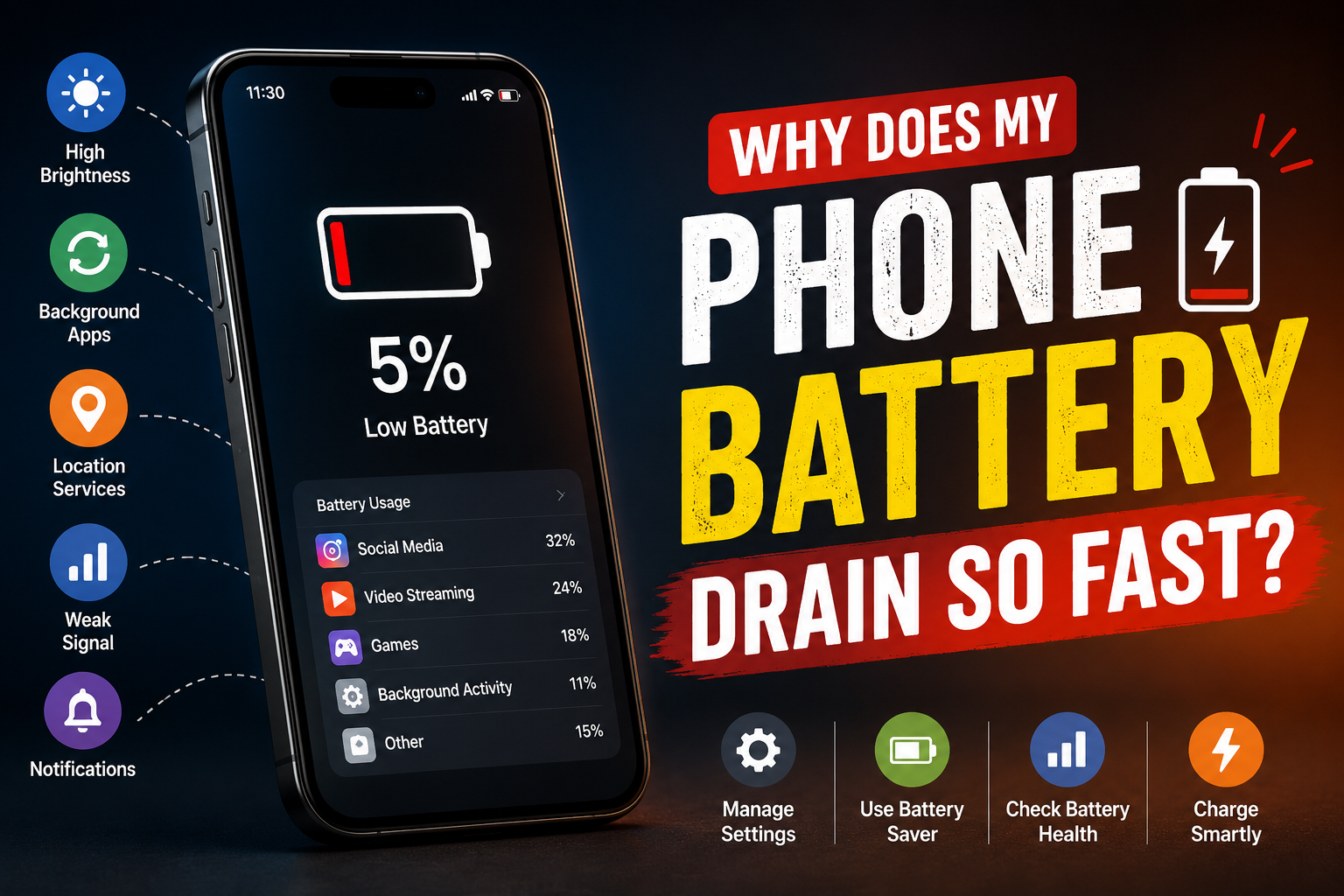
Few things are as frustrating as watching your smartphone battery percentage drop rapidly while you are nowhere near a charger. If you find yourself asking, "Why does my phone battery drain so fast?", you are far from alone. Rapid battery discharge is one of the most common complaints among both iOS and Android users.
While modern smartphones are equipped with high-capacity lithium-ion batteries, they also run power-hungry features, high-refresh-rate displays, and resource-intensive applications. Understanding the root causes behind sudden or continuous battery depletion can help you troubleshoot the issue, optimize your settings, and restore your device's overall battery longevity.
Display Settings: High Brightness and Refresh Rates
Your smartphone screen is consistently the single largest consumer of battery power. Brightness levels, display resolution, and active screen time directly impact how long your charge lasts throughout the day.
Max Screen Brightness and Adaptive Display
Running your screen at 100% brightness drains the battery at an alarming rate. Even with auto-brightness enabled, direct sunlight or bright ambient lighting pushes the panel to its maximum luminance, pulling significant current from the battery. To minimize drain, consider adjusting your screen brightness manually or lowering the auto-brightness threshold in your display settings.
High Refresh Rates (90Hz, 120Hz, and Beyond)
Modern flagship smartphones boast 90Hz, 120Hz, or even higher display refresh rates. While high refresh rates make animations and scrolling exceptionally smooth, forcing your display to redraw images 120 times per second consumes substantially more power than standard 60Hz panels. Utilizing dynamic refresh rate options (such as LTPO technology) or limiting the screen to 60Hz can significantly slow down battery loss.
Always-On Display (AOD) Overhead
Always-On Display features show the time, date, and notifications even when your phone is locked. While OLED and AMOLED screens turn off individual pixels for true blacks, keeping part of the display active 24/7 creates a steady baseline power draw of roughly 1% to 2% per hour.
Background App Refresh and Resource-Intensive Apps
Even when your device is resting on a desk, applications may be actively working in the background. Understanding how applications utilize system resources is crucial when investigating why your phone battery drains so fast.
Social Media and Location-Tracking Services
Social media platforms and navigation tools are notorious for background battery consumption. Apps like Facebook, Instagram, TikTok, and Google Maps continuously fetch real-time updates, sync media feeds, and ping GPS satellites. Restricting location access to "While Using the App" instead of "Always" cuts down unnecessary background hardware usage.
Background App Refresh and Auto-Sync
Background App Refresh allows closed applications to check for new content, emails, and cloud backups. When multiple apps sync simultaneously over mobile data or Wi-Fi, the processor remains active, preventing the phone from entering deep sleep mode. Turning off background refresh for non-essential applications dramatically extends daily uptime.
Network Signal Quality and Wireless Connectivity
Wireless communication modules continuously adjust their power draw based on signal strength and connectivity requirements. Bad connections can lead to rapid battery drop without active user interaction.
Cellular Searching in Weak Signal Areas
When you are in an area with poor cellular coverage or spotty 5G reception, your phone's modem boosts its power output to hold onto the nearest tower signal. This constant searching and power boosting generates heat and drains the battery rapidly. Switching to Airplane Mode in dead zones prevents your phone from wasting energy.
5G vs. Wi-Fi and Active Antennas
Using cellular data—especially 5G networks—demands significantly more power than connecting to a home or office Wi-Fi network. Additionally, keeping Bluetooth, Personal Hotspot, and GPS active when not in use creates unnecessary power draw across multiple hardware antennas.
Physical Battery Health and Degradation
If your device is more than a year or two old, hardware aging might be the main reason your phone battery is draining so fast. All rechargeable batteries are consumable components with a limited lifespan.
Lithium-Ion Chemical Aging
Smartphones use lithium-ion batteries, which chemically degrade over time. As a battery undergoes charge cycles (typically 300 to 500 complete cycles), its maximum capacity drops. A degraded battery that reports 100% charge may only hold a fraction of the power it did when factory new.
How to Check Your Battery Health Metrics
iOS users can check maximum capacity directly under Settings > Battery > Battery Health & Charging. Android users can inspect battery health using built-in diagnostic tools (like Samsung Members) or system stats applications. If maximum capacity falls below 80%, physical replacement is usually recommended.
Software Glitches, Rogue Updates, and System Bugs
Sometimes battery drain is not caused by individual user habits, but by system-level software issues that prevent the hardware from operating efficiently.
Post-Update Background Indexing
It is common to notice rapid battery drain immediately after installing a major operating system update (such as iOS or Android updates). For 24 to 48 hours post-update, the system re-indexes files, recalibrates battery metrics, and updates system databases in the background. Battery performance typically stabilizes shortly after.
Corrupted App Caches and Memory Leaks
A poorly coded application or corrupted cache file can lock the processor in an infinite loop, known as a memory leak. This forces the CPU to run at high clock speeds indefinitely, draining the battery and causing the phone to feel hot in your hand. Restarting your device clears temporary RAM and stops rogue processes.
Extreme Temperatures and Environmental Factors
Smartphones are engineered to operate best within a specific ambient temperature range (typically 32°F to 95°F / 0°C to 35°C). Operating outside this window stresses battery chemistry.
Heat Exposure and High Load
Excessive heat accelerates chemical degradation inside the battery. Leaving your phone on a car dashboard in direct sunlight, or gaming while fast-charging, raises internal temperatures. The operating system may throttle performance or drain faster to protect internal components.
Cold Weather Battery Drop
Cold temperatures increase the internal resistance of lithium-ion cells. This causes voltage drops, leading the device management system to miscalculate remaining capacity or force an unexpected shutdown. Fortunately, cold-induced drain is usually temporary until the phone warms back up.
Actionable Ways to Fix Rapid Phone Battery Drain
Addressing rapid battery loss involves combining immediate settings adjustments with better charging habits. Follow these steps to optimize your device's power output:
- Enable Low Power Mode / Battery Saver: Automatically limits background activity, lowers brightness, and scales back screen refresh rates.
- Audit Application Permissions: Revoke continuous location tracking and background refresh for non-essential tools.
- Use Dark Mode on OLED Screens: Switching to a dark theme turns off black pixels completely on OLED/AMOLED displays, saving noticeable power.
- Adjust Screen Timeout: Set your display to lock automatically after 30 seconds or 1 minute of inactivity.
- Keep Operating System and Apps Updated: Developers regularly release patches to fix software bugs that trigger rogue CPU usage.
- Restart Your Device Weekly: A simple reboot clears stuck processes and temporary system caches.
Frequently Asked Questions
Why does my phone battery drain fast even when I am not using it?
Idle battery drain occurs primarily due to background app activity, active push notifications, constant location tracking, poor cellular connection forcing the phone to search for signal, and automated cloud sync processes.
Does dark mode really save battery life?
Yes, but primarily on devices with OLED or AMOLED screens. On these displays, black pixels are completely turned off and consume zero power. On traditional LCD screens with backlights, dark mode offers negligible battery savings.
Why does my battery drain so fast after a major software update?
Following major OS updates, your phone performs intensive background operations such as re-indexing files, updating database caches, and optimizing app libraries. This process usually completes within 24 to 48 hours, after which battery consumption should normalize.
Does charging my phone overnight ruin the battery?
Modern smartphones use built-in protection circuits to stop charging once the battery reaches 100%. However, keeping the battery at full charge and high temperatures overnight can cause minor long-term stress. Enabling optimized battery charging features helps mitigate this.
At what battery health percentage should I replace my battery?
When your phone's maximum chemical battery capacity falls below 80% (typically after 500 charge cycles), manufacturers recommend replacing the battery to restore optimal performance and prevent unexpected shutdowns.
Conclusion
Asking "Why does my phone battery drain so fast?" usually leads to a combination of screen display settings, background application processes, cellular network habits, and physical battery wear. By identifying the root causes, turning off unnecessary background synchronization, managing brightness, and monitoring battery health, you can dramatically improve your smartphone's daily battery life and extend its usable lifespan.
Related Reading
- check battery health on iPhone and Android — Guide to inspecting smartphone battery cycle counts and physical health metrics.
- how to restrict background app usage — Tutorial on managing background app refresh and background permissions.
- best screen brightness settings for battery life — Optimizing screen brightness, resolution, and display refresh rates.
- extend smartphone hardware lifespan — General tips for taking care of mobile battery and internal hardware components.