Guide · Aug 11, 2026
Why Does My Phone Charge So Slowly?
Discover why your phone is charging so slowly, from damaged cables and dirty ports to software bugs and battery degradation, along with step-by-step fixes to restore fast charging speeds.
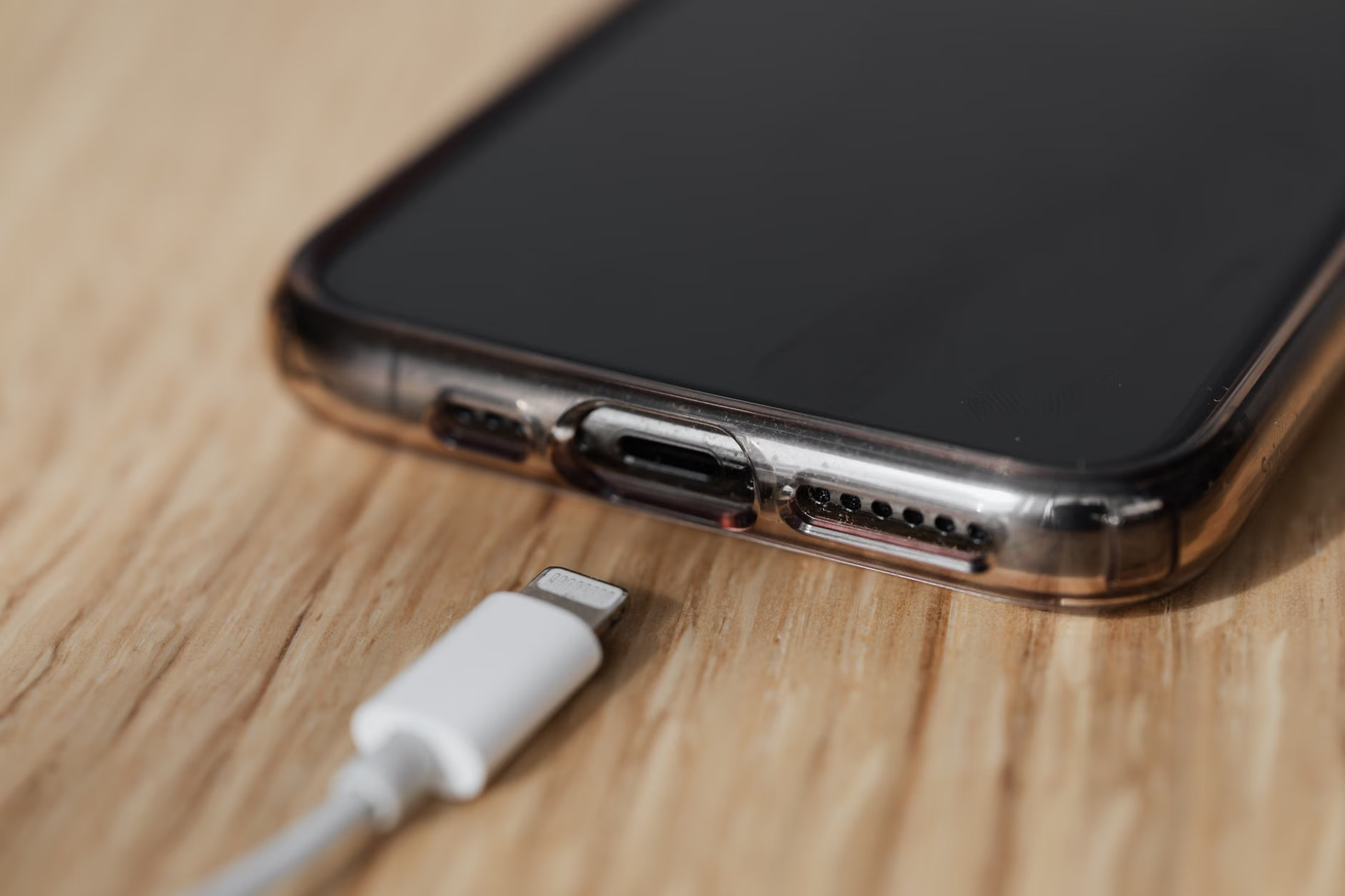
Plugging in your smartphone expecting a quick power boost only to find the battery percentage barely inching forward after an hour is a universal frustration. If you are asking yourself, why does my phone charge so slowly, you are not alone. Modern devices support fast charging capabilities that can push a battery from zero to fifty percent in under thirty minutes, making sluggish charging speeds stand out even more.
Understanding slow phone charging requires looking at the entire power delivery ecosystem. Charging is an interactive process involving your wall outlet, adapter, cable, charging port, software background tasks, and battery chemistry. A bottleneck in any single component can cause your phone to charge slowly or stall completely. In this guide, we will examine the root causes of slow charging and provide actionable troubleshooting steps to restore rapid charging speeds.
Hardware Bottlenecks: Cables, Adapters, and Ports
When troubleshooting slow phone charging, hardware components are the most frequent culprits. Electricity must pass through multiple physical hardware points before reaching your battery, and a failure in any single part degrades performance.
Damaged or Low-Quality Charging Cables
Charging cables endure constant bending, twisting, and pulling, which can break internal copper strands without leaving visible exterior damage. Damaged internal wires increase electrical resistance, reducing the current reaching your phone. Additionally, cheap third-party cables often use thinner gauge wire (such as 28 AWG instead of 24 AWG), which cannot carry higher currents needed for fast charging protocols.
Weak or Mismatched Wall Charging Adapters
Not all USB wall bricks produce equal output. Older power adapters often max out at 5 Watts (5V/1A). Modern smartphones frequently require 18W, 25W, 30W, or higher to initiate fast charging modes. If you plug a modern phone into an old lower-wattage adapter, your device will charge at a crawl to prevent overloading the power brick.
Debris and Dust in the Charging Port
Carrying your phone in pockets and bags leads to lint, dust, and grime accumulating inside the charging port. Over time, this debris compresses into a tight barrier at the bottom of the port, preventing charging cable pins from establishing a clean, flush contact. This incomplete physical connection severely restricts power flow or causes intermittent charging cut-offs.
Software Issues Causing Slow Phone Charging
Your phone's hardware may be fully functional, but software processes consuming massive amounts of energy while plugged in can answer the question of why does my phone charge so slowly.
Resource-Intensive Apps Running in the Background
If your device is running heavy background processes—such as cloud backups, GPS navigation, mobile gaming, or social media app syncs—it consumes power almost as fast as the charger delivers it. This creates a net low charge rate, making it appear as though the charger itself is failing.
Outdated Operating System or Software Bugs
Smartphones utilize power management software to regulate voltage and current. Operating system bugs or corrupted system caches can misinterpret battery levels or throttle incoming wattage unnecessarily. Keeping your OS updated ensures your device correctly negotiates fast-charging protocols with your charger.
Battery Health and Thermal Throttling Issues
Lithium-ion batteries are consumable hardware components that degrade over time, directly affecting charge acceptance and energy retention.
Chemical Aging of Lithium-Ion Batteries
As a battery undergoes hundreds of charge cycles, internal chemical degradation increases internal resistance. An older battery (typically after 500 charge cycles or roughly 2 years of daily use) accepts incoming charge much less efficiently, leading to significantly prolonged charging times.
Thermal Throttling and Heat Damage
Heat is the primary enemy of lithium-ion batteries. When internal battery temperatures rise above safe operational thresholds—due to ambient heat, intensive active use, or thick protective phone cases—the battery management system (BMS) automatically slows incoming power to prevent thermal runaway and permanent hardware damage.
Weak Power Sources: Laptop USB Ports vs. Wall Outlets
Where you plug your charging cable matters just as much as the cable itself. Different electrical sources provide vastly different amounts of power.
Charging via Laptop USB Ports or Car Dashboards
Standard USB-A ports on computers or older vehicle dashboards are primarily designed for data transfer rather than rapid power delivery. A typical computer USB 2.0 port outputs only 2.5 Watts (5V/0.5A). Charging via these ports takes significantly longer compared to plugging directly into a dedicated wall outlet delivering 20W or more.
Faulty Power Strips and Extension Cords
Plugging fast chargers into overloaded surge protectors, worn extension cords, or loose wall receptacles can result in fluctuating voltage supply. The phone's protective circuitry will dial back charging speeds to protect against unstable power delivery.
Wireless Charging Efficiency vs. Fast Wired Charging
Wireless charging offers convenience, but it inherently trades off charging speed due to energy conversion physics.
Alignment and Thermal Loss with Qi Chargers
Inductive wireless charging loses between 30% to 50% of its energy as heat during the electromagnetic transfer between coils. If your phone is slightly misaligned on the wireless pad, charging efficiency drops even further, and generated heat causes the device to throttle incoming current.
Incompatible Fast Charging Standards
Fast charging standard fragmentation (USB Power Delivery, Qualcomm Quick Charge, Programmable Power Supply, and proprietary manufacturer standards like VOOC) means using the wrong brand adapter can cause your phone to revert to basic 5W fallback charging speed.
How to Fix a Phone That Charges Slowly
Resolving slow phone charging involves a logical process of elimination to identify and fix the underlying issue.
Cleaning Your Charging Port Safely
Inspect your port using a flashlight. If you see compressed lint, turn off your device and gently clean out the port using a non-conductive wooden or plastic toothpick or canned air. Never insert metal pins or paperclips into the port.
Optimizing Device Settings and Hardware
To optimize charging speeds instantly, implement the following practical adjustments:
- Use original or certified cables: Look for MFi-certified Lightning cables or USB-IF certified USB-C cables rated for high wattage.
- Enable Fast Charging in software: Check battery settings to confirm features like 'Fast Charging' or 'Super Fast Charging' are enabled.
- Turn off your device or use Airplane Mode: Eliminating background signal searching and app processing drastically lowers current consumption while charging.
- Remove heavy protective cases: Dissipate heat faster during charging by removing thick rubber or leather cases.
Frequently Asked Questions
Why does my phone charge so slowly all of a sudden?
A sudden drop in charging speed is usually caused by lint or dirt lodged inside the charging port, a damaged charging cable, or a recent background software update that is consuming excess energy or throttling power delivery due to a bug.
Is charging my phone from a computer USB port harmful?
No, it is not harmful to your battery, but it will charge your phone very slowly because standard computer USB ports usually output lower amperage (around 0.5A to 0.9A) compared to wall chargers.
Why does my phone charge slowly when it reaches 80%?
This is a built-in protective feature known as optimized battery charging. Smart devices slow down the charge rate past 80% to reduce stress and thermal degradation on the lithium-ion battery, extending its total lifespan.
Can a worn-out battery cause slow charging?
Yes. As lithium-ion batteries chemically age, their internal electrical resistance increases. This makes it harder for the battery to absorb charge quickly, resulting in longer overall charging times.
Does using my phone while charging make it charge slower?
Yes. Screen usage, app processing, and connectivity draw power simultaneously while the battery receives power. Additionally, using the phone generates extra heat, which triggers software throttling to reduce charge speeds.
Why does my wireless charger take so much longer than a cable?
Wireless charging is less efficient than wired charging, losing up to 50% of power as thermal energy. Heat generation forces the phone to reduce incoming power to protect the battery, making wireless charging noticeably slower.
Conclusion
When asking why does my phone charge so slowly, the answer usually points to a mismatch or fault in your power chain—whether that is a lint-clogged port, a degraded cable, low-wattage wall adapters, thermal throttling, or software drain. By testing your hardware setup systematically and optimizing background energy usage, you can easily identify the culprit and restore fast, efficient charging performance to your device.
Related Reading
- how to clean your smartphone charging port — Step-by-step guide on safely removing dirt and debris from USB-C and Lightning ports.
- understanding smartphone battery health — Comprehensive overview of lithium-ion charge cycles and battery capacity degradation.
- USB Power Delivery vs Quick Charge standards — Technical breakdown comparing different fast-charging protocols and charger compatibility.
- best practices for extending phone battery life — Practical tips to maintain long-term battery health and avoid thermal throttling.