Guide ·
Why Does My Phone Get Hot While Charging?
Wondering why your phone gets hot while charging? Learn the science behind battery heat, normal thermal ranges, key causes, and practical ways to keep your device cool.
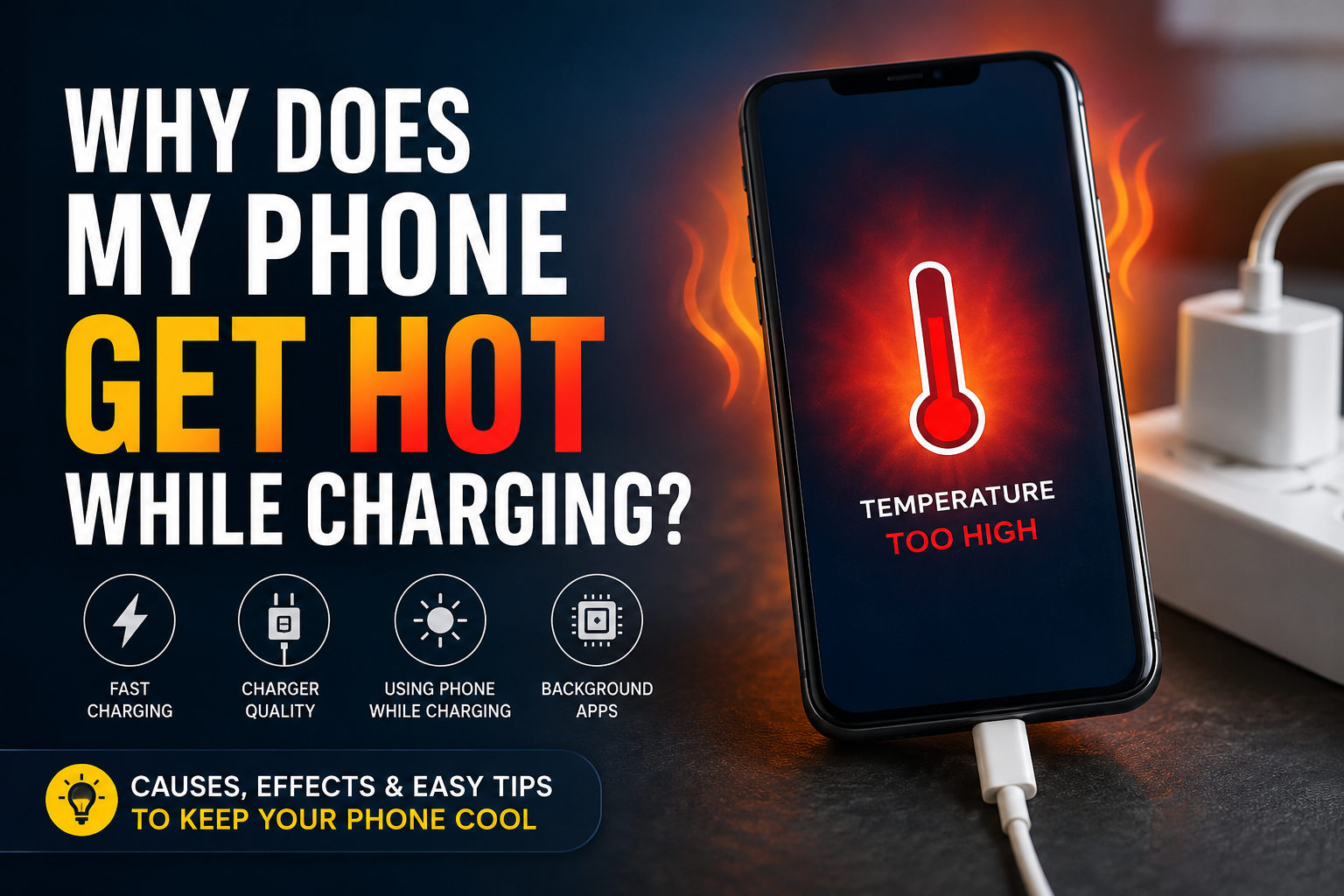
Plugging in your smartphone only to find it feeling uncomfortably warm minutes later is a common experience. If you have ever asked yourself, why does my phone get hot while charging, you are not alone. High internal temperatures during power cycles affect millions of mobile device users every day. While a slight increase in surface temperature is a natural byproduct of electricity moving into a battery, excessive heat can cause performance slowdowns, accelerate battery degradation, and in extreme cases, trigger device shutdowns.
Understanding the balance between expected operational warmth and problematic thermal build-up is essential for preserving your mobile device. In this comprehensive guide, we will break down the underlying physics of battery charging, examine the primary reasons your device overheats, and provide actionable steps to keep your phone running cool and performing at its best.
The Science Behind Battery Heat: Why Charging Generates Thermal Energy
When your phone gets hot while charging, the phenomenon is rooted in basic electrical engineering and electrochemistry. Electricity moving through conductive pathways inevitably encounters physical resistance, converting a portion of electrical energy into thermal energy.
Chemical Energy Transfer in Lithium-Ion Batteries
Modern smartphones rely on lithium-ion (Li-ion) or lithium-polymer (Li-Po) batteries. During a charge cycle, lithium ions travel through an internal electrolyte medium from the positive cathode to the negative anode. This chemical reaction absorbs energy, but because no chemical process is 100% efficient, surplus energy is radiated as heat.
Internal Resistance and Thermal Dissipation
Every battery cell possesses an inherent property known as internal resistance. As current enters the cell, this resistance generates heat according to Joule's Law. If the heat generated by electrical resistance accumulates faster than the phone body can dissipate it into the surrounding air, the surface temperature of the device rises noticeably.
Common Reasons Your Phone Gets Hot While Charging
While natural resistance explains standard warmth, elevated heat levels typically result from external demands or hardware stress. Identifying why your phone gets hot while charging involves looking at how power is transferred and consumed simultaneously.
High-Wattage Fast Charging Protocols
Modern fast-charging technologies pump high wattage—often between 20W and 120W—into the device to reduce charge times. Delivering higher voltage or higher amperage significantly increases electrical friction inside both the charger transformer and the internal power management integrated circuit (PMIC), leading to higher thermal output during the initial 0% to 80% charge window.
Using Heavy Apps or Gaming During Charge Cycles
Operating demanding applications while plugged in creates a double heat source. The Central Processing Unit (CPU) and Graphics Processing Unit (GPU) generate intense heat while processing graphics or data, while the battery generates thermal energy from charging. This stacked heat load rapidly overwhelms passive cooling systems.
Incompatible Chargers and Low-Quality Cables
Uncertified or knockoff charging accessories often lack essential voltage regulation microchips. Poor power filtering delivers unstable current, forcing the internal charging circuit to work harder to step down and stabilize the incoming energy, generating unnecessary waste heat.
Normal Warmth vs. Dangerous Overheating: Knowing the Difference
It is vital to distinguish between normal operating warmth and thermal conditions that put your device at risk. Most mobile processors and power delivery systems are engineered with protective thresholds.
Expected Thermal Ranges During Standard Use
A healthy phone undergoing fast charging will feel comfortably warm to the touch, operating between 32°C and 40°C (90°F to 104°F). This range is considered safe and standard for modern power delivery.
Warning Signs of Severe Battery Overheating
If your phone exceeds 45°C (113°F), action is required. Watch for these clear warning signs:
- On-screen temperature alerts warning that the device needs to cool down.
- Extreme thermal throttling, causing severe lag or screen dimming.
- Charging pausing automatically before reaching full capacity.
- Physical swelling of the outer casing or battery enclosure.
Environmental Factors That Amplify Charging Heat
Ambient conditions play a decisive role in heat dissipation. Even a perfectly functioning phone gets hot while charging if its surroundings hinder thermal exchange.
Charging in Direct Sunlight or Hot Rooms
Leaving your phone charging on a vehicle dashboard, near a window, or inside a hot room eliminates passive convection. When ambient temperatures approach body temperature, internal heat has nowhere to escape.
Insulating Phone Cases and Trapped Airflow
Thick protective cases made of rubber, silicone, or synthetic leather act as thermal insulators. Placing a charging phone on soft surfaces like beds, pillows, or blankets further blocks heat dissipation pathways through the back glass or metal frame.
Practical Solutions to Keep Your Phone Cool While Charging
Preventing high temperatures during charge cycles requires simple adjustments to your charging habits and environment. Implement these practical solutions to maintain optimal temperatures.
Optimize Device Settings and Enable Flight Mode
Reducing background activity significantly lowers processor heat. Enabling Flight Mode turns off cellular radios, Wi-Fi, Bluetooth, and GPS tracking, drastically cutting power draw and background processing while the battery fills up.
Remove Protective Cases and Improve Ventilation
Take off bulky cases prior to plugging in your device, especially if you use fast chargers. Always place the phone on a hard, flat surface like a wooden desk or glass nightstand that actively aids in conducting heat away from the back panel.
Upgrade to Certified Power Delivery Accessories
Always use chargers and cables certified by original equipment manufacturers or trusted standards bodies (such as USB-IF certification). These accessories ensure stable voltage delivery and efficient power conversion.
How Excessive Charging Heat Impacts Long-Term Battery Health
Consistently allowing your phone to run hot while plugged in has measurable long-term consequences on component longevity.
Accelerating Chemical Degradation
Exposure to temperatures above 35°C (95°F) permanently degrades the internal structure of lithium-ion cells. Over time, high heat breaks down the solid electrolyte interphase (SEI) layer inside the cell, reducing its total maximum energy storage capacity.
Thermal Throttling and System Performance Drops
Modern chipsets utilize thermal throttling to save hardware from melting. When temperatures spike, the OS intentionally underclocks processor speeds, resulting in dropped frame rates, slow app launches, and unresponsive touch screens.
Frequently Asked Questions
Is it normal for my phone to get warm while charging?
Yes, it is entirely normal for a phone to feel slightly warm during charging due to the physical energy transfer and internal electrical resistance inside the battery. However, it should never feel painfully hot to hold.
Can fast charging damage my battery due to extra heat?
Modern fast-charging systems use intelligent power delivery circuits to manage heat safely. While fast charging creates slightly higher initial warmth, smart phones throttle intake speeds as the battery fills to prevent thermal damage.
Should I remove my phone case while charging?
If you notice your phone gets hot while charging, removing thick or synthetic protective cases during charge cycles can significantly improve heat dissipation.
Why does my phone get hot while charging wirelessly?
Wireless charging relies on induction coils that transfer energy via magnetic fields. Electromagnetic energy transfer creates higher energy loss in the form of heat compared to direct cable connections.
Can I use my phone while it is charging?
Basic tasks like reading text or checking notifications are fine, but avoiding intensive activities like 3D gaming, video streaming, or video calling while charging is highly recommended to prevent compounding heat generation.
What should I do if my phone becomes dangerously hot?
Unplug the charging cable immediately, turn off the device, remove any case, and place the phone in a cool, shaded room on a hard surface. Do not place it in a refrigerator or freezer, as rapid cooling creates condensation that causes liquid damage.
Conclusion
In summary, understanding why your phone gets hot while charging comes down to recognizing the physical realities of power transfer combined with ambient conditions and usage habits. While standard warmth is an unavoidable aspect of battery charging technology, managing heat output is essential for preserving your phone's battery health and hardware longevity. By using certified power accessories, removing insulating cases, avoiding heavy app usage while plugged in, and charging on hard, cool surfaces, you can keep your smartphone running smoothly for years to come.
Related Reading
- how to extend smartphone battery life — Proven strategies for maintaining battery health and capacity over time
- signs of a swollen lithium-ion battery — Identifying physical safety hazards and damaged battery cells
- wireless vs wired charging heat efficiency — Comparing heat dissipation and electrical loss across charging methods
- understanding thermal throttling in mobile processors — How mobile CPUs manage heat and safeguard hardware components