Guide · Aug 20, 2026
Why Does My Smartwatch Battery Drain So Fast?
Wondering why your smartwatch battery drains so fast? Read our comprehensive guide to discover the common culprits behind rapid wearable battery depletion and learn practical tips to extend its battery life today.
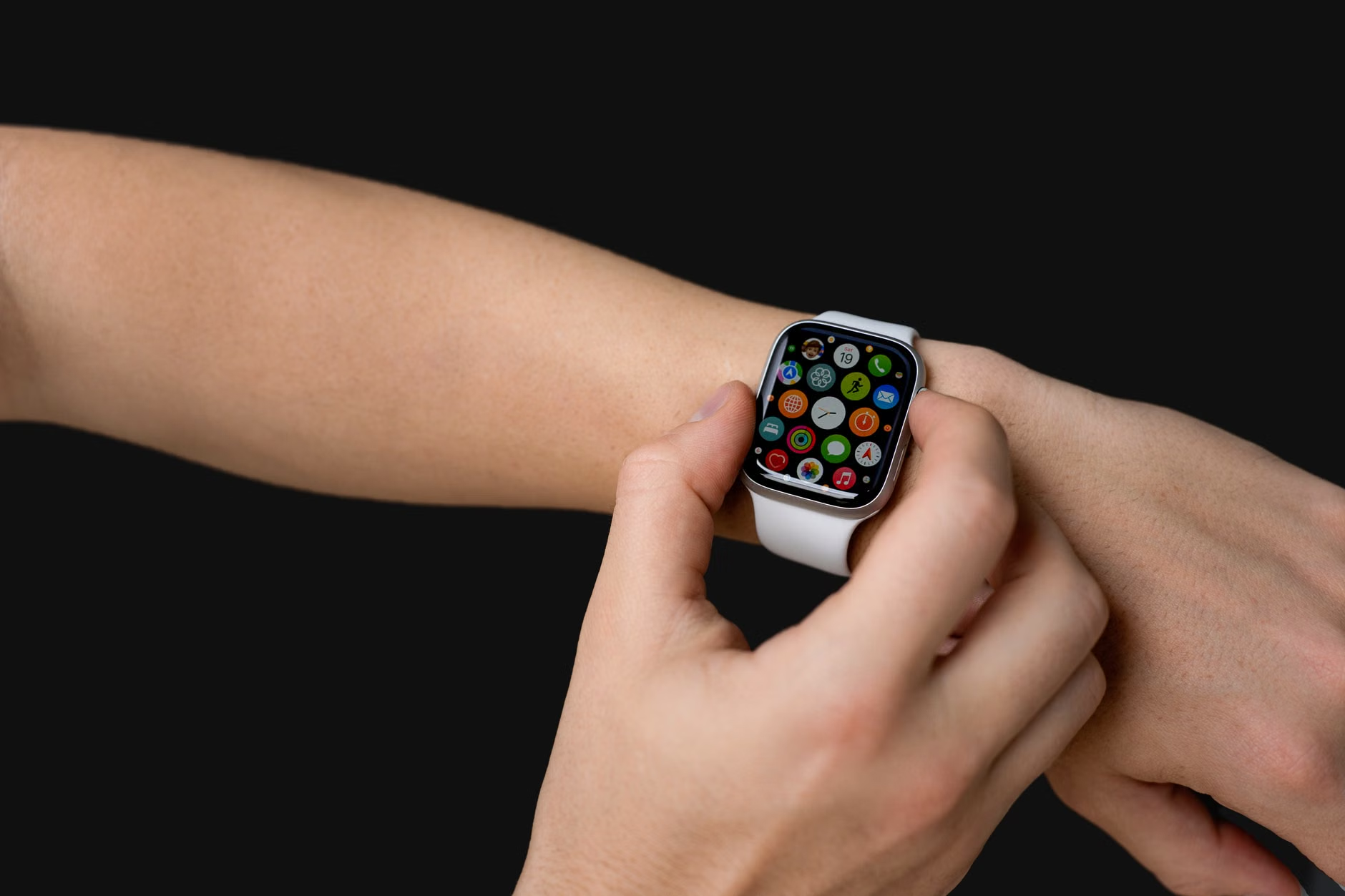
Smartwatches have become indispensable daily companions, tracking our workouts, delivering notifications, and keeping us connected without needing to pull out our phones. However, nothing is more frustrating than looking down at your wrist only to find a dead screen. If you find yourself asking, "why does my smartwatch battery drain so fast?", you are certainly not alone. Battery longevity is one of the most common pain points for wearable users today.
While some specialized sports watches can last for weeks, standard multi-functional smartwatches typically require charging every one to two days. If your device isn't even making it through a single day, several underlying culprits are likely at play. In this comprehensive guide, we will break down the primary reasons behind rapid smartwatch battery depletion and provide actionable solutions to restore your wearable's battery life.
Answering the Question: Why Does My Smartwatch Battery Drain So Fast?
To understand why your wearable is losing power rapidly, we must first look at the hardware components that consume the most energy. Smartwatches pack incredibly sophisticated technology into a tiny form factor, meaning their batteries are naturally small and easily depleted by resource-heavy settings.
Display Settings: The Biggest Power Hog
The vibrant AMOLED or LCD screen on your wrist is the single largest consumer of power. Features like high brightness levels, extended screen timeout durations, and the popular Always-On Display (AOD) keep the pixels illuminated continuously, drastically shortening the time between charges.
Background Apps and Continuous Syncing
Just like your smartphone, your smartwatch runs applications in the background. Apps that constantly sync data, fetch weather updates, or refresh social feeds consume processing power and network bandwidth, leading to silent but significant power depletion throughout the day.
The Impact of Connectivity Features on Battery Life
Smartwatches rely on a suite of wireless radios and sensors to provide real-time data. While these features make the devices "smart," they are also highly demanding on the physical battery cell.
GPS Tracking and Fitness Monitoring
While built-in GPS is excellent for mapping outdoor runs, it is incredibly power-intensive because your watch must continuously communicate with overhead satellites. Similarly, 24/7 heart rate monitoring, blood oxygen (SpO2) tracking, and stress tracking require optical sensors to fire constantly, draining battery reserves rapidly.
Bluetooth, Wi-Fi, and LTE Connections
Smartwatches rely on wireless radios to communicate. Bluetooth is relatively energy-efficient, but if your watch is constantly losing and searching for a connection to your phone, it will burn through power. Wi-Fi and cellular (LTE) connections require even more energy; keeping them enabled when not needed is a primary reason why your wearable's battery life suffers.
Software Glitches and Outdated Firmware
Sometimes, the hardware isn't to blame; instead, the issue lies within the code running your device. Software optimization plays a massive role in how efficiently your watch utilizes its limited power capacity.
Corrupted Cache and App Bugs
Occasionally, a software update or a specific third-party app can develop a bug that causes it to get stuck in a processing loop. This keeps the watch's CPU running at maximum capacity, generating heat and draining the battery in a matter of hours.
The Importance of Regular OS Updates
Manufacturers frequently release software patches designed to optimize power consumption and fix known battery-draining bugs. Running outdated operating systems can prevent your watch from utilizing these crucial efficiency improvements.
Battery Degradation: Is Your Wearable Aging?
If you have owned your smartwatch for several years, the issue might not be your settings or software, but the chemical health of the battery itself.
Lithium-Ion Battery Lifespans
Smartwatches use lithium-ion batteries, which naturally degrade over time. After 300 to 500 charge cycles (roughly one to two years of daily use), a battery's maximum capacity drops to about 80% of its original state, resulting in noticeably shorter runtimes.
Charging Habits That Degrade Battery Health
Exposing your smartwatch to extreme heat, leaving it on the charger long after it reaches 100%, or consistently letting it drain to 0% can accelerate battery degradation. Proper battery maintenance is key to preserving long-term capacity.
Actionable Steps: Why Does My Smartwatch Battery Drain So Fast and How to Fix It
Fortunately, you do not have to settle for poor battery performance. By making a few simple adjustments to your daily usage and device configuration, you can dramatically improve your watch's daily runtime.
Optimizing Screen Settings
To quickly extend your smartwatch battery life, adjust your display settings. Turn off the Always-On Display, lower the screen brightness, and set the screen timeout to the shortest duration (usually 5 to 10 seconds). You should also disable "wake on wrist raise" to prevent the screen from lighting up accidentally throughout the day.
Managing Notifications and Location Services
Limit notifications to essential apps only. Every time your watch vibrates and lights up for an unimportant notification, it wastes energy. Additionally, turn off location services and GPS when you are not actively tracking an outdoor workout.
Advanced Tips to Extend Smartwatch Battery Life
For users who need their devices to last through long trips or extended active periods, deeper system tweaks can provide the extra power cushion needed.
Utilizing Power Saving Modes
Most modern smartwatches feature a "Power Saving" or "Theater" mode. Enabling these modes restricts background activity, limits wireless connections, and simplifies the watch face to maximize longevity when your battery runs low.
Factory Resetting as a Last Resort
If you have tried all configuration tweaks and your battery still drains abnormally fast, a factory reset can resolve deep-seated software conflicts. Back up your health data first, then perform a clean reset to restore the watch to its factory default state.
Frequently Asked Questions
How long should a smartwatch battery typically last?
Battery life varies widely by brand and model. Standard feature-rich smartwatches (like the Apple Watch or Samsung Galaxy Watch) typically last 1 to 2 days on a single charge, while specialized fitness watches (like Garmin or Fitbit) can last anywhere from 5 to over 20 days depending on usage.
Does the always-on display feature drain a lot of battery?
Yes, the Always-On Display (AOD) is one of the most significant causes of battery drain. Keeping the screen illuminated continuously, even at a lower brightness, can increase overall power consumption by 20% to 50%.
Why is my smartwatch battery suddenly draining after an update?
A sudden drop in battery life post-update is usually caused by temporary background indexing processes or software bugs. Try restarting your watch, clearing the cache, or waiting 24 to 48 hours for the system to settle. If the issue persists, a factory reset may be required.
How do I check what is draining my smartwatch battery?
Most smartwatches allow you to check battery usage statistics via their companion smartphone app (such as the Watch app for iOS or the Galaxy Wearable app). Navigate to the battery settings menu to see a breakdown of which apps and features are using the most power.
Does keeping Bluetooth on all day drain my smartwatch?
While Bluetooth Low Energy (BLE) is designed to be highly efficient, keeping it on does consume some power. However, turning it off entirely disconnects your watch from your phone, disabling notifications and syncing. A better approach is to keep Bluetooth on but disable Wi-Fi and cellular (LTE) when not needed.
Can a custom watch face cause battery drain?
Yes, complex watch faces—especially those with live animations, bright colors, or multiple active complications (like real-time heart rate or live weather widgets)—require constant CPU processing and screen power, leading to much faster battery depletion than simple, dark watch faces.
Conclusion
Determining exactly why your smartwatch battery drains so fast involves looking at a combination of display settings, connectivity habits, and software health. By making a few simple adjustments—such as turning off the always-on display, managing your notifications, and keeping your firmware updated—you can significantly extend your smartwatch battery life. If your device is several years old, keep in mind that natural hardware degradation might mean it is time to look into a professional battery replacement or an upgrade. Implement these practical steps today to keep your wearable powered up when you need it most.
Related Reading
- extend smartwatch battery life — Practical tips to prolong wearable battery longevity
- stop smartwatch battery drain — Troubleshooting guide for sudden battery drop-offs
- fitness tracker vs smartwatch — Comparing battery performance across wearable device categories